AI admins and operators
The people who keep Rollie and Vision sharp: one registry to see every model, its version, its checks and its tokens — and to know which one is drifting.

The control room for the small models behind Rollie and Vision: the model library, versions, teaching, and validation — every model the platform runs, managed in one place.
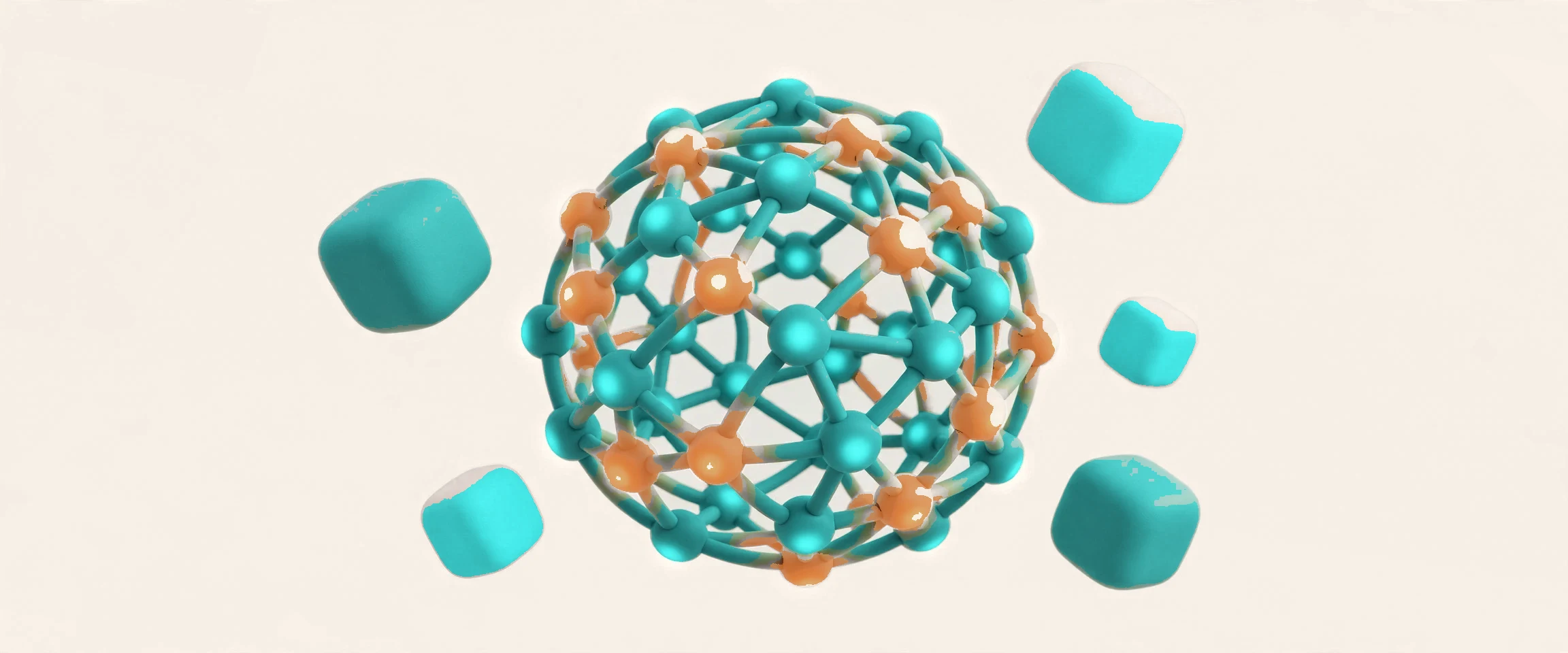
Docklify AI Models is the control room for the small models behind Rollie and Vision: the model library, versions, teaching, and validation — every model the platform runs, managed in one place. Docklify does not train giant models from scratch. It teaches small, single-scene models that do one job well: read a packing bench, answer a warehouse question, spot a safety problem. Teach a model once here, with your own examples, and every app that uses it gets sharper — Rollie talks with it, Vision sees with it, and the usage ledger shows what each model costs. Every model carries its owner, its history and its cost, so the platform never runs a model nobody remembers approving.
The people who keep Rollie and Vision sharp: one registry to see every model, its version, its checks and its tokens — and to know which one is drifting.
Packing stations, yards and docks where cameras watch the work: the detection models behind those checks are taught and validated here, not in a black box.
Teams teaching agents to answer customers: the teaching channel for agents lives beside the vision channel, with the same versioning and validation discipline.
AI spend is real money: usage by feature, per-person budgets and the platform quota gate keep the bill visible before it becomes a surprise. The bill stays visible before the month ends, not after it lands.
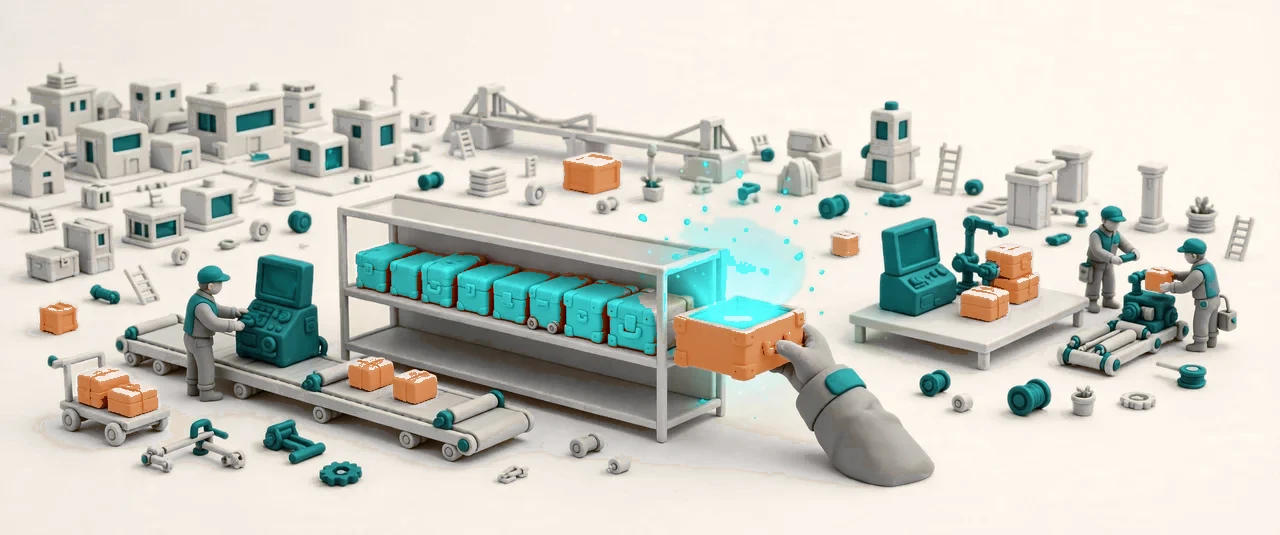

Every small model the platform runs lives in one registry: what it is for, which version is live, which versions came before, and which apps use it. A new version never silently replaces the old one — versions are explicit, so a model can be rolled back when the new one behaves worse in the real world, and the team always knows which version answered which question or checked which pack. The library is the single place where a model exists: no copies floating in spreadsheets, no two teams teaching the same job twice. Retired versions stay readable in the library, so an old answer can still be explained after its model has moved on.
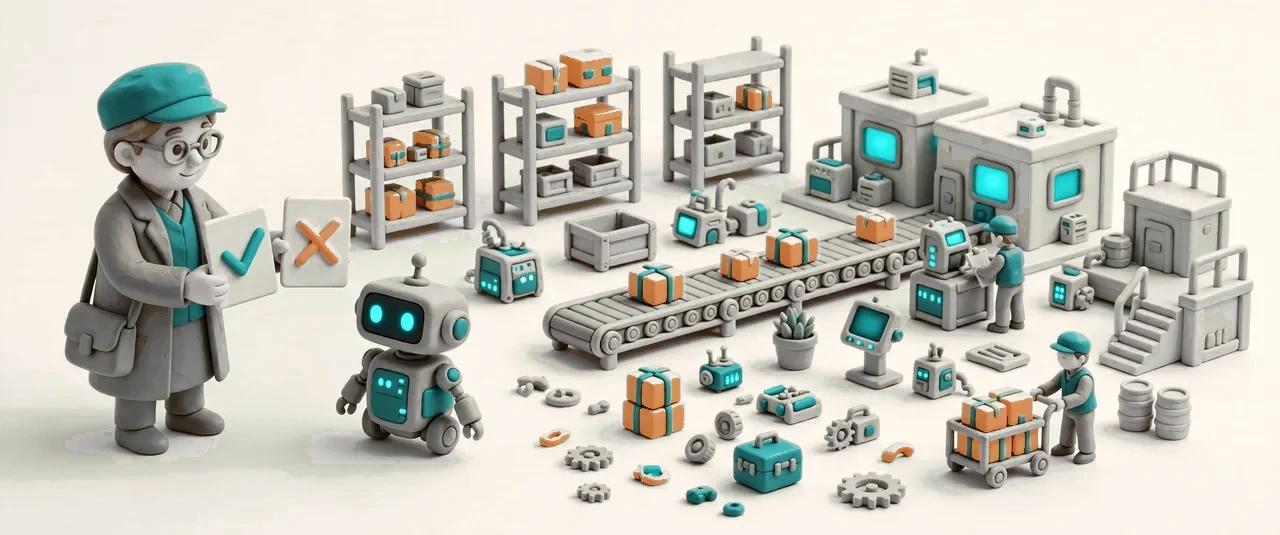

A model learns your scenes, not somebody else's textbook. Show it examples from your own floor — the pack that was right, the one that was wrong, the answer that satisfied the customer — and correct its answers until it behaves the way your team would. There are two teaching channels, kept deliberately apart: vision teaching trains detection models on what cameras see, and agent teaching trains the agents that talk to customers. Each channel teaches its own kind of model, so a packing example never leaks into a customer reply and a chat correction never changes what a camera looks for.
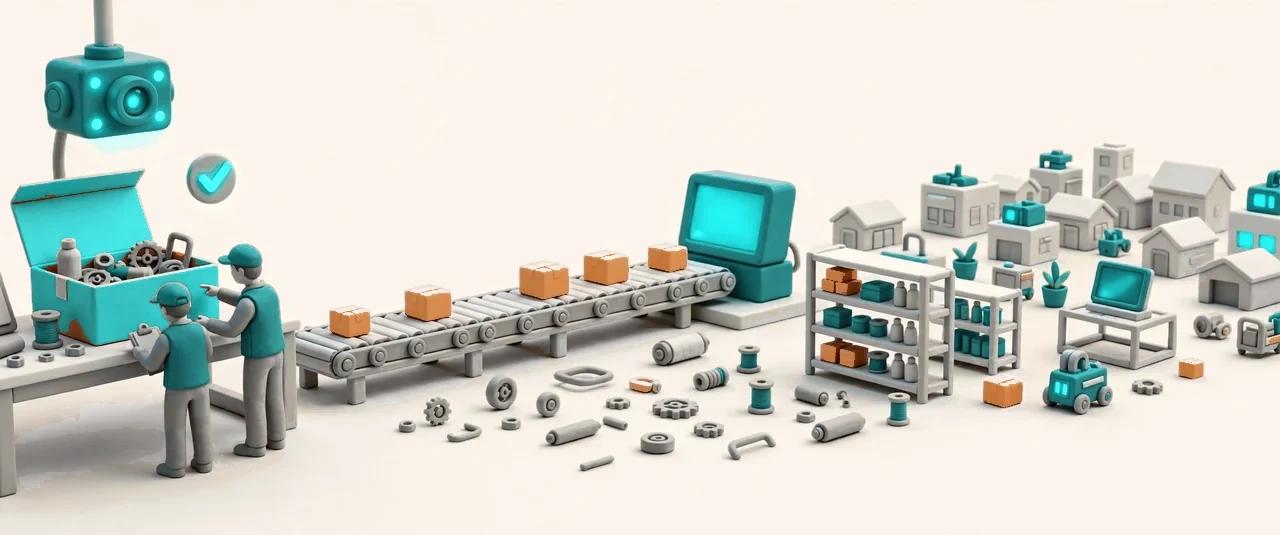
AI checks are not magic, and this page says so plainly: it shows how each check runs, in words anyone can follow. The packing check, for example, compares what the camera saw on the bench with what the order says should be in the box — and the check itself happens at the packing station, not here. This page is read-only: it lets an admin see the policy, the evidence it produces and the models behind it, without touching a live check. When a check is wrong, the fix is teaching, not a hidden switch. A check that keeps failing in the same way is a signal to teach the model again, not to lower the bar.
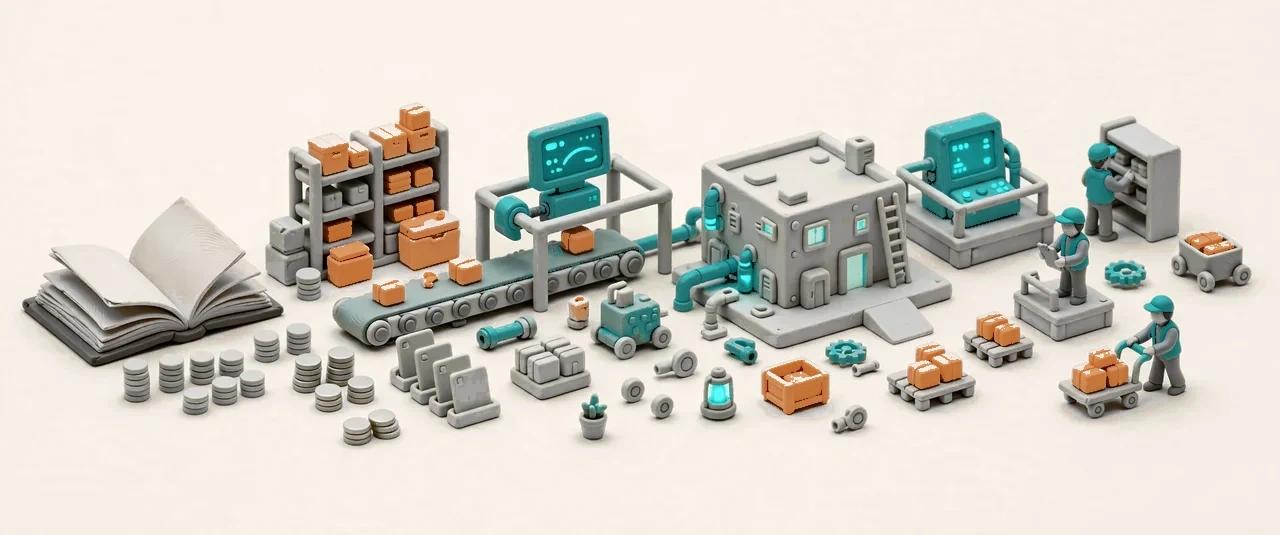
AI usage this month, by feature, in one ledger: which models ran, how many tokens they used, and what that means in Credits — the tenant's only visible unit. A question answered costs one Credit, an automated task run costs one Credit, an agent run costs five, and every run lands in the runs table with its token count attached, so any charge can be traced to the run that caused it. The tenant sees Credits; the platform keeps the token cost book on its own side, and the two books never get mixed into one confusing number. Failed runs cost no Credits; only success is billed.
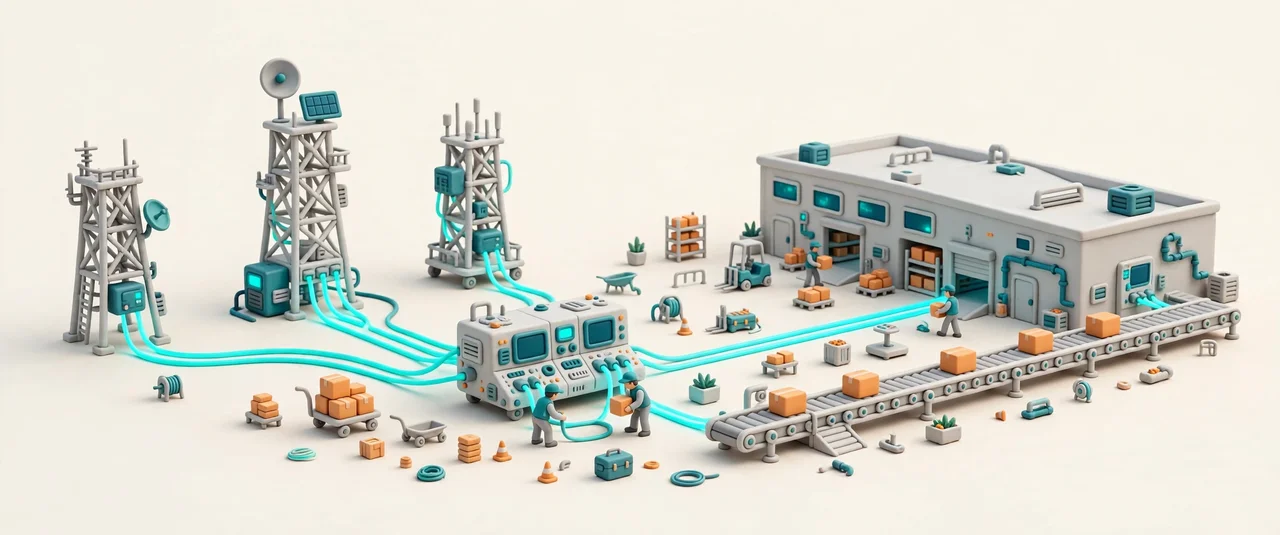

One router stands between the apps and the model providers, so no feature is married to a single vendor. When a provider is slow or down, the router fails over to the next one and the user sees an answer, not an error page. New models join through one documented routine — register the model, name its scene, set its limits — so adding a provider is a checklist, not a project. Scene models get their own catalog entries, and the router keeps the cost of each call on the books, which is what makes the usage ledger honest. The router never shows the tenant a token number.
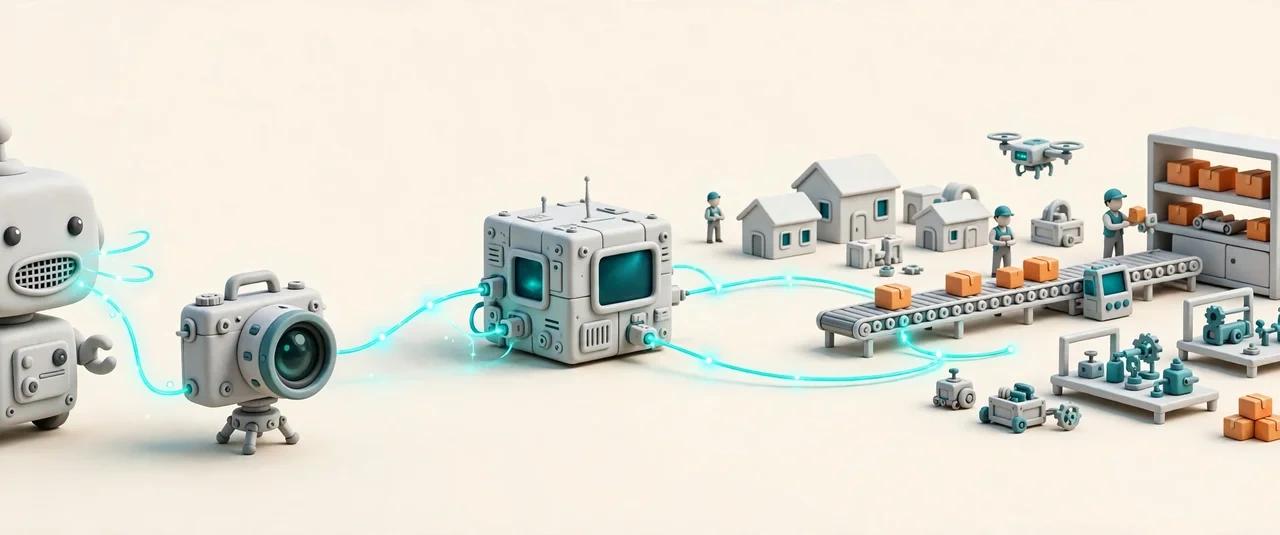

Rollie talks and Vision sees with models managed here — teach once here, and both get sharper. The packing model that checks a box on the bench is the same kind of model that answers a supervisor's question about that pack, because both draw on the same library, the same versions and the same teaching. When a model improves, the improvement reaches every app at once; when it is retired, it is retired everywhere, not left running in a corner nobody watches. One model, managed once, serving the whole platform. The shared library is also the shared memory: what one app learns about a model, every app inherits.
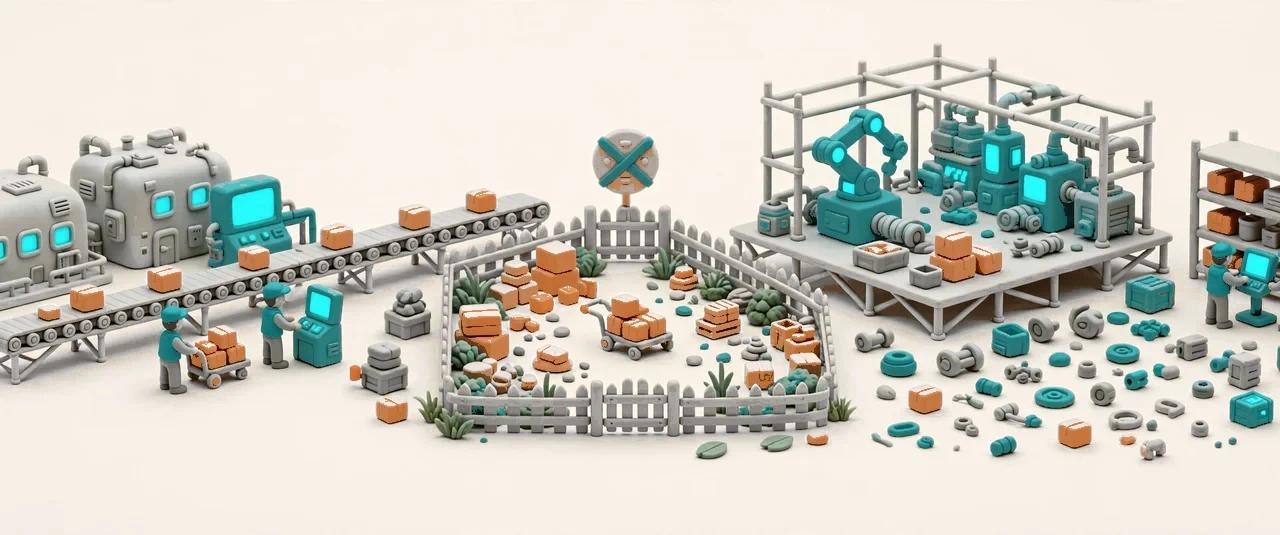
The rule is written on the wall: small, single-scene models only. No training large models from scratch, and no face-recognition models — ever. A model that watches a packing bench watches boxes, not people; a model that answers a question answers from the platform's own data, inside the tenant that owns it. The limits are not a footnote in a design doc: they are enforced where models are registered, so a model that breaks the rule cannot be added in the first place. Customers who ask what the AI does — and what it will never do — get a straight answer from this page.
Every small model and its versions, in one registry.
Show examples, correct answers — the model learns your scenes.
How each AI check runs, in plain words — read-only here.
AI usage this month, by feature — tokens used, in one ledger.
Versioned packages that carry a model from teaching to live use.
Test a version against held-out examples before it goes live.
Per-person Credit budgets and the platform quota gate, in Credits.
Who taught, corrected, versioned or retired a model — on the record.