Warehouse managers
Temperature compliance in cold chain and pharma: automatic logging, over-limit alerts, and records that stand up to audit.
One IoT app runs every device in the building: temperature sensors, put-to-light racks, door contacts, location tags and more — one registry, one health board, one rule engine that turns readings into jobs, alerts and audit trails. The hardware is ordinary and cheap; the value is in the software.
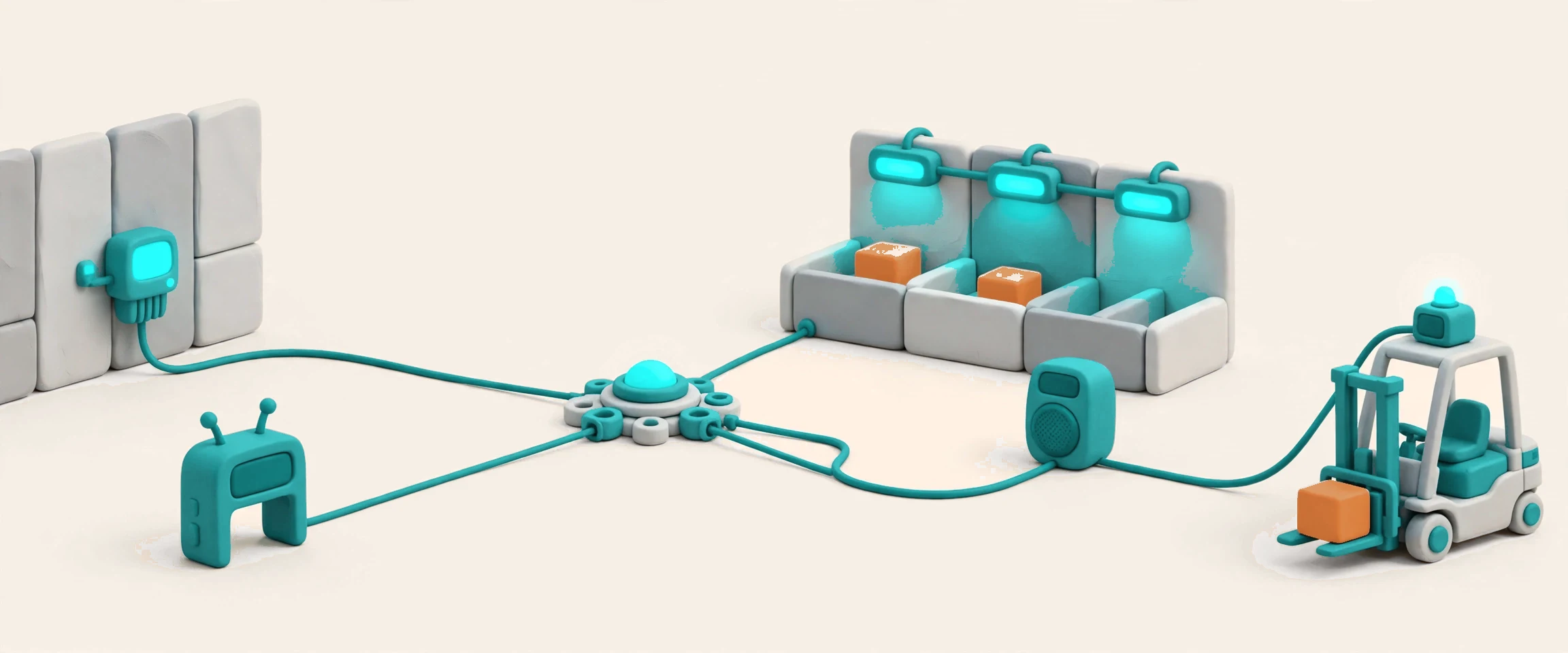
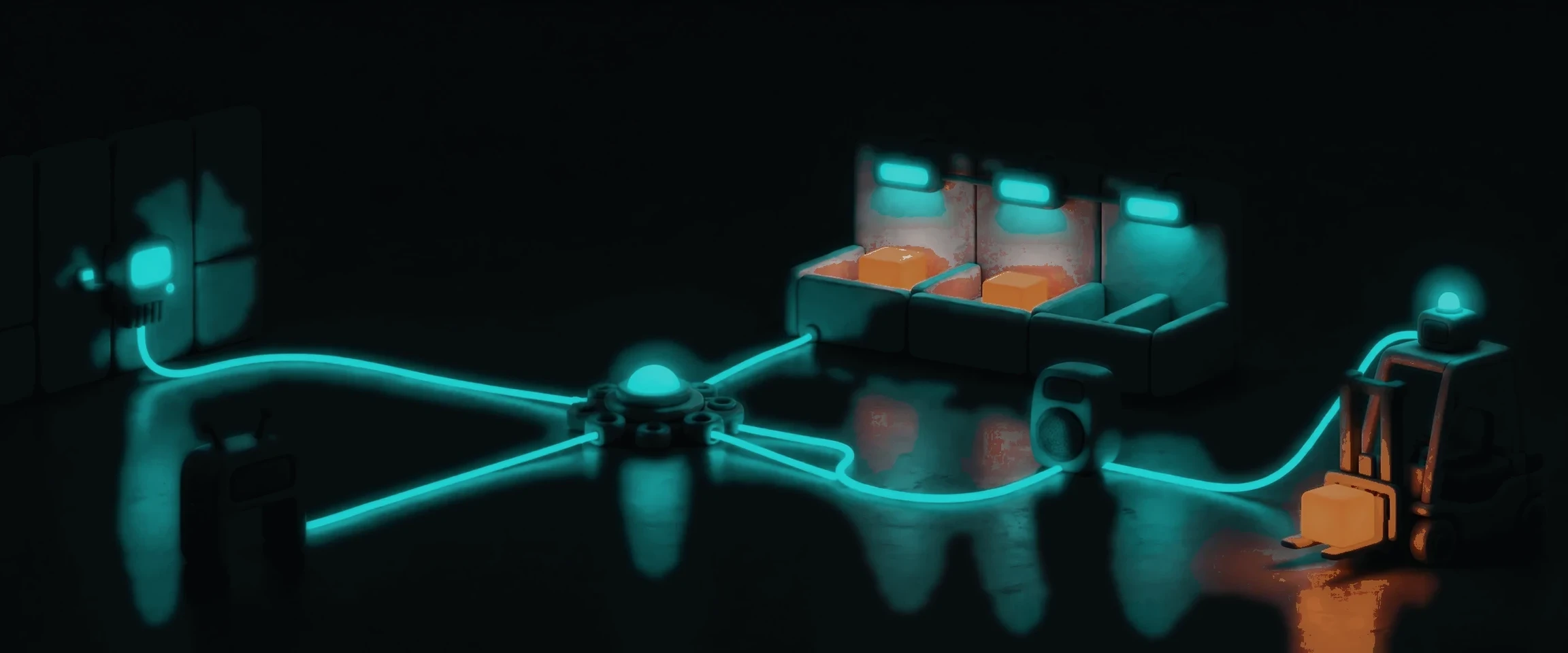
Docklify IoT is the one registry for every device around the work — sensors, lights, cameras, speakers, gateways — and the orchestration layer that turns their signals into action. Devices connect through one adapter per device or interface, self-registered, so the floor team manages one device file, one health board and one alert center instead of a different console per gadget. A LoRa temperature sensor, a put-to-light module and a forklift telematics unit all speak the same event language, and the same orchestration engine — trigger, condition, action — decides what happens next. The business result never lives here: temperature curves go back to WMS, yard occupancy to Yardor, and the operator’s day stays in the apps they already use.
Temperature compliance in cold chain and pharma: automatic logging, over-limit alerts, and records that stand up to audit.
Light-guided sorting and picking: the right slot lights up, the count shows on the module, and hands stay on the goods.
Gate and dock sensor kits: vehicle presence and door state, wired into the appointment flow.
Forklift collision warnings and fleet telemetry: impacts, speed and location, on the record.
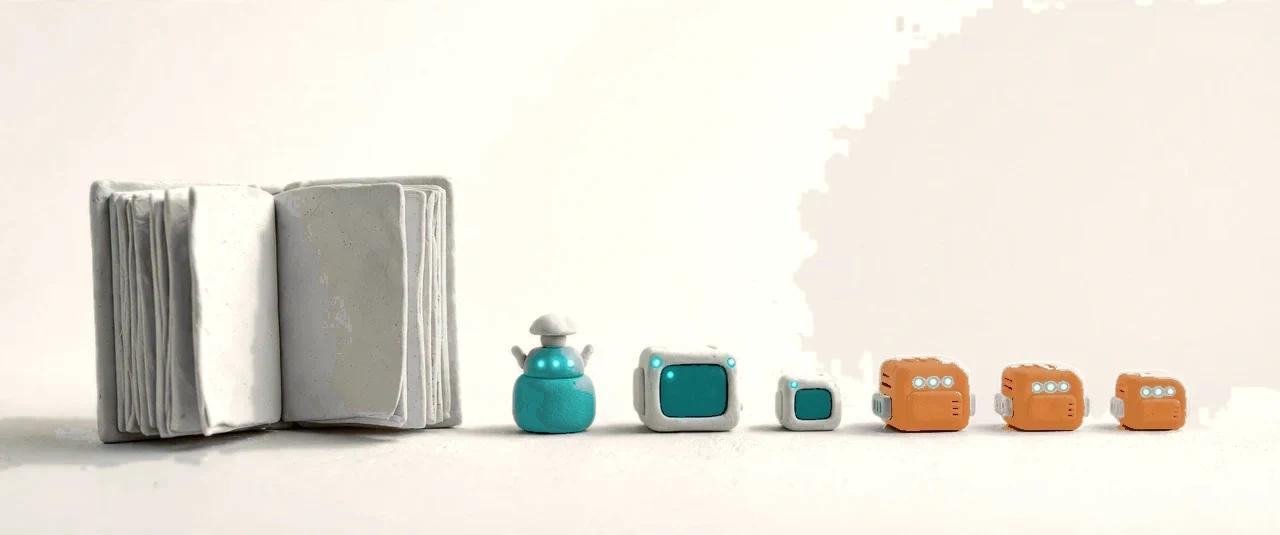

Every device in the operation has one file: what it is, where it is, what it is bound to, and whether it is healthy. Binding ties a device to the place or job it serves — a sensor to a cold room, a light module to a wall slot, a gateway to a yard — and the binding is the reference, not a second writable copy somewhere else. Health and freshness are judged at one point, so a stale sensor and a dead gateway read the same way everywhere: the device is either reporting or it is not, and the alert center says so in plain words. The file also carries the device’s picture, its calibration record and its install history, so a technician arriving on site already knows what they are looking at.

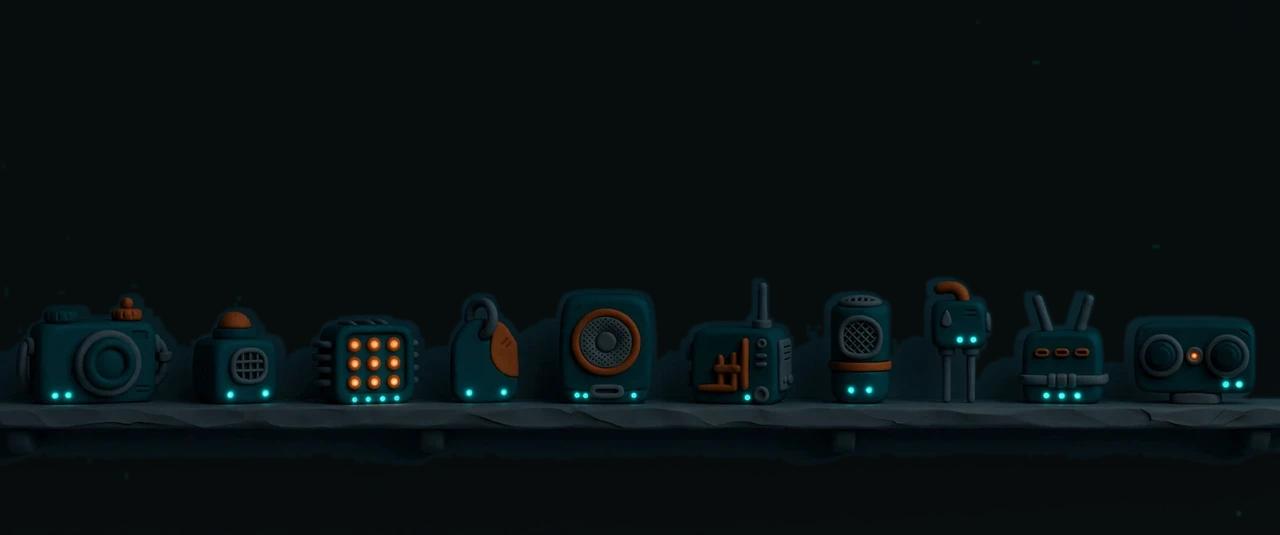
The catalog covers ten classes, and each one earns its place by solving a real warehouse job. Cameras count what sits in the yard. LoRa sensors watch temperature and humidity for compliance. Put-to-light modules guide sorting and picking. Gate and dock kits sense vehicles and doors. BLE tags locate assets by zone. Speakers announce. Forklift telemetry watches collisions and driving. Gas sensors watch the air. Water sensors watch for leaks. And a depth camera measures boxes and pallets. Classes outside the ten — self-built hardware, centimeter-grade UWB, a tag on every pallet, weighing smart shelves — are explicitly out, so the catalog stays honest about what it does.
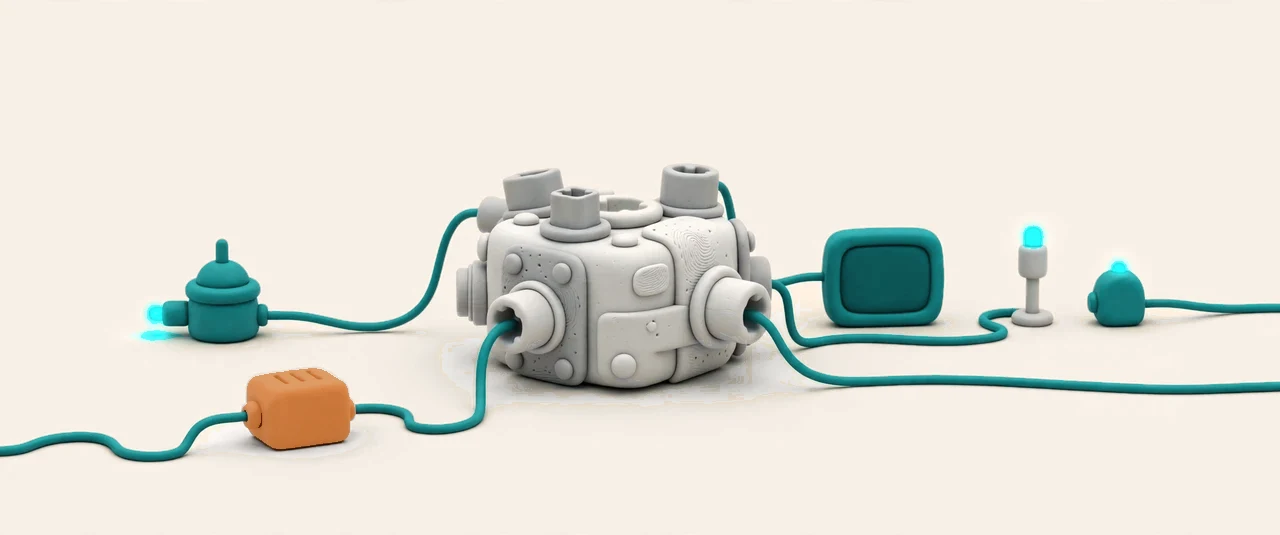

Every device type arrives through its own adapter, self-registered in the adapter registry: one device or interface, one adapter, and the layers above only ever see one uniform capability and one event shape. The warehouse team never writes a driver — a new device class lands as one new adapter, with its contract frozen before construction: what it reports, what commands it accepts, and how health is judged. The Device Hub carries the same pattern to the edge: its camera sources, inference dispatch and credential vault already run on it, so the box on the packing bench and the gateway in the yard speak the same language.


Devices speak in events, and the platform answers in actions — both catalogued, numbered and added to only, never rewritten. The event catalog lists every device event by number, from a temperature reading crossing its limit to a forklift impact, and the action catalog lists every answer: sound the speaker, light the module, notify the supervisor, open a task. A streaming evaluator watches events as they arrive and settles each one against its rule, so an over-limit reading becomes a ticket while it is still true, not in tomorrow’s report. Nothing in the catalog is a slogan: each entry names its trigger, its evidence and its cost.
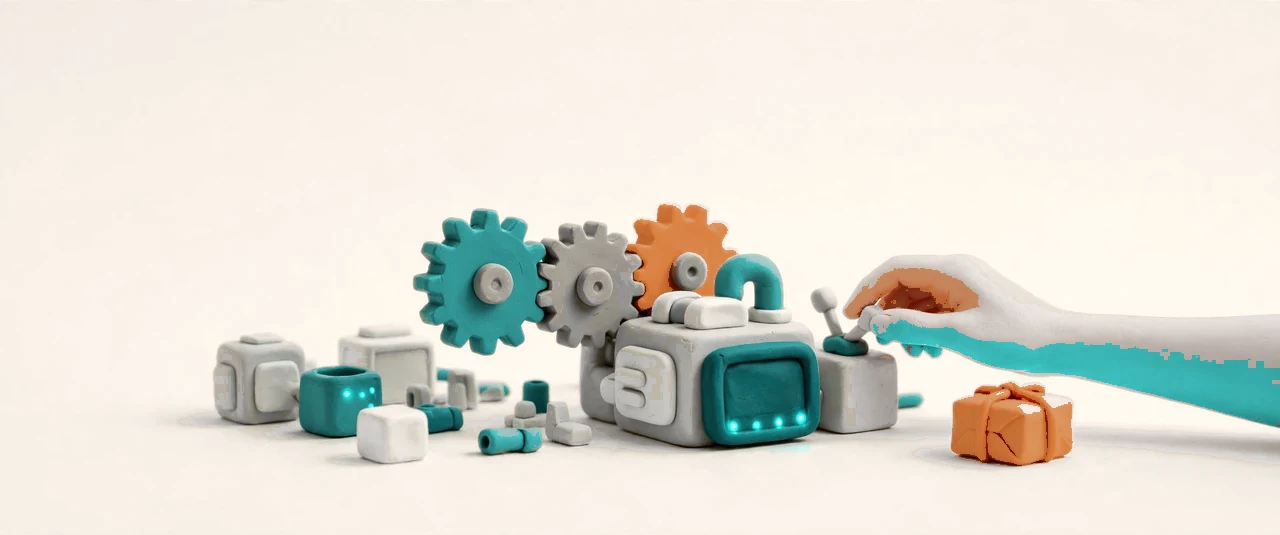

The orchestration engine is the platform’s shared automation, not a private script per device: trigger, condition, action, with human steps, timeouts and branches. A temperature breach opens a task, assigns it, waits for the check, and escalates if nobody answers. An AI step starts as a suggestion that a person confirms — the engine never lets a model act alone on a decision that moves stock or money. The engine lives in the platform base, so any trigger source can use it: a device event today, a schedule or a business event tomorrow, with the same three tiers and the same risk-graded permissions.
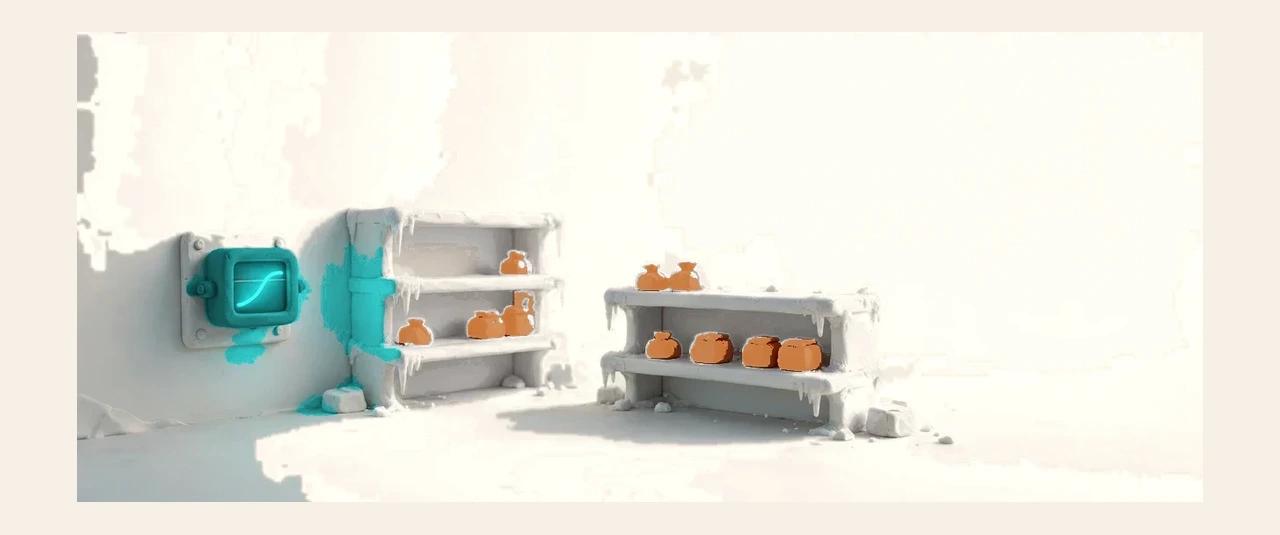

LoRa sensors sample temperature and humidity on schedule and write every reading to the record automatically — no clipboards, no end-of-shift typing. A reading over the limit raises an alert and opens the response task in the same breath, and the record is append-only: once written, a reading is never edited, so the history a food or pharma auditor reads is the history that happened. Calibration travels with the device file, and the sensor’s battery and signal are part of the same health picture, so a dying sensor is replaced before it goes quiet.
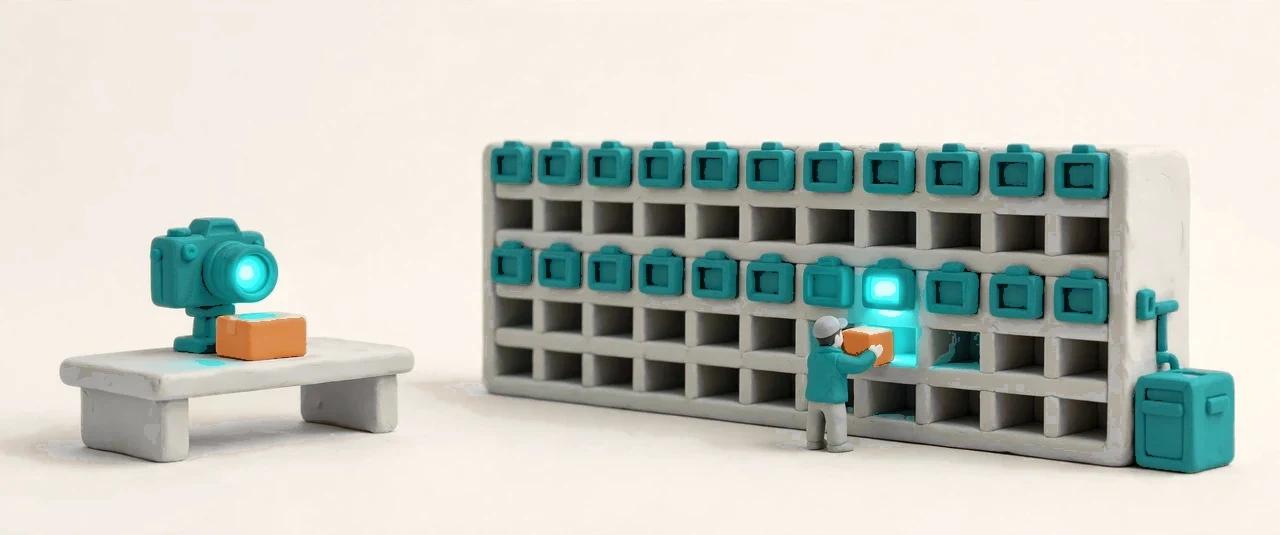

Lights lead the hands. A put-to-light module sits above every sorting-wall slot — no display, just light: scan a tote and the target slot lights up, and a full slot turns steady to call for merging and packing. A pick-to-light module at every pick face adds a quantity display: the module for the current step lights up and shows how many to pick, and the picker confirms on the module’s button. And a depth camera measures what the hands just packed: boxes and pallets dimensioned to the millimeter, so the carton, the label and the freight quote all start from a true size.
Guided device setup: register, bind and accept, step by step.
Every device’s freshness at a glance, with the stale ones on top.
Group devices by area and bind them to the locations and jobs they serve.
One queue for every device alert, with the evidence attached.
Thresholds, schedules and escalation, set per device or per group.
Remote diagnosis and firmware rollout with staged release and rollback.
Warehouse admins, supervisors and device admins — operators never need this app.
Edge execution keeps working when the network drops, and syncs back after.