Dropship sellers starting with no stock
No warehouse, no purchase budget, no problem: the catalogue is the supplier's, the storefront is yours, and the first order ships before you have spent a cent on stock.

Dropship without holding inventory: pick products from sourcing platforms, publish them to your stores, and let orders flow to the supplier — with stock, cost and tracking synced back at every step.
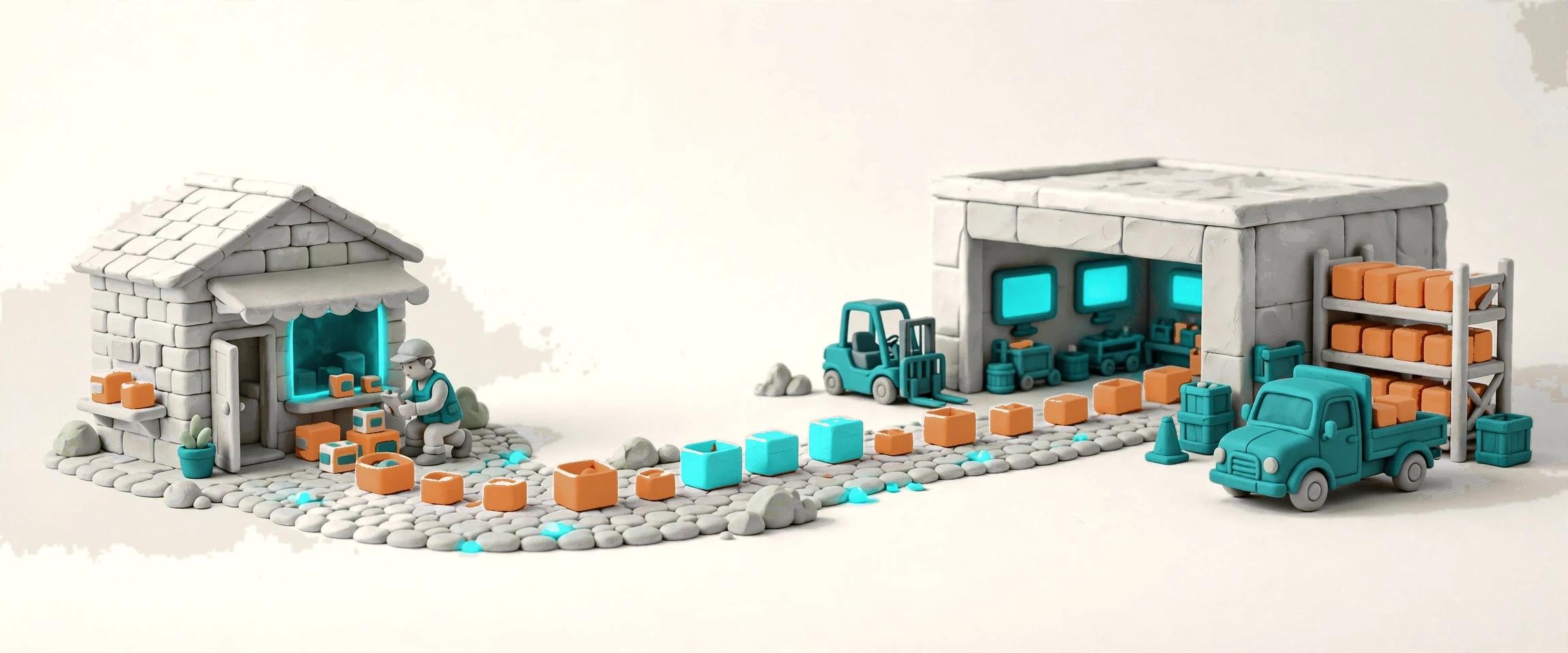

Sourcing is the Commerce app for selling without stock. A seller with no warehouse and no purchase budget connects a sourcing platform, pulls its catalogue into a selection pool, and publishes only what passes review to the stores — the platform ships each order straight to the customer, and the tracking comes back to Docklify on its own. Nothing dirty enters the product library: the platform catalogue is someone else's data, so it waits in staging until a human says yes, and the cost, the stock and the listing all keep their own honest numbers. When the seller does hold stock, the same order splits — own stock ships from the warehouse, the rest dropships — and the customer still sees one order, one status, one delivery.
No warehouse, no purchase budget, no problem: the catalogue is the supplier's, the storefront is yours, and the first order ships before you have spent a cent on stock.
Your own shelves carry the winners; the long tail comes from the platform. One order splits cleanly — own stock from the warehouse, the rest dropshipped — and the customer never sees the seam.
One connection per sourcing platform, one virtual warehouse each, one selection pool to rule them: add a platform without rebuilding the way you sell.
Supplier prices move and supplier stock lies. Cost jumps freeze for confirmation, buffered stock never promises the last unit, and a stale feed zeroes itself before it can oversell.
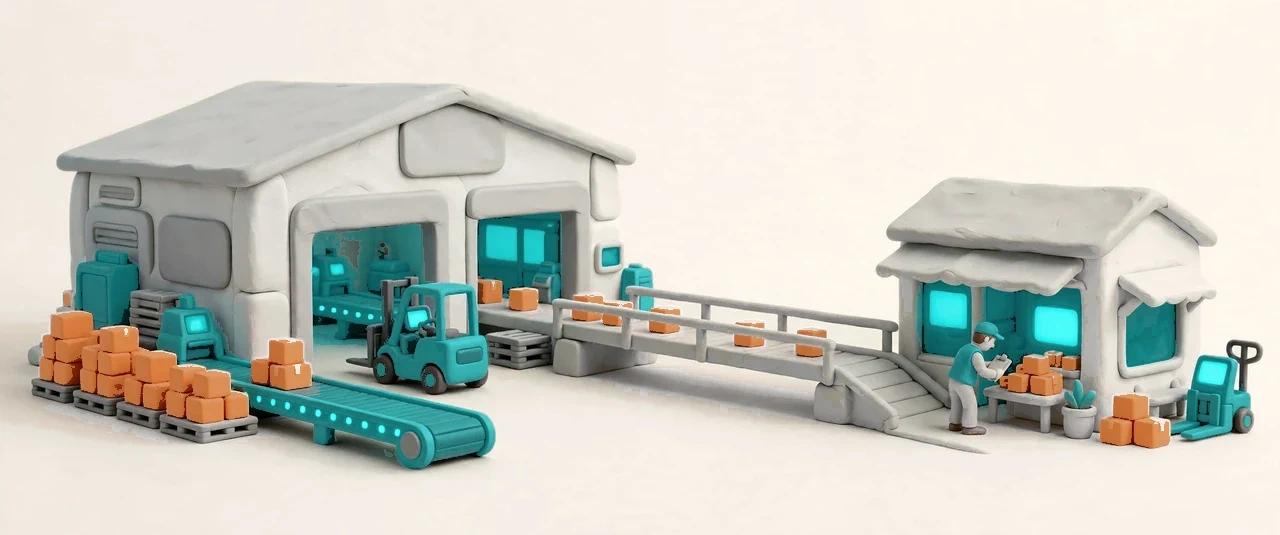

Every sourcing platform arrives through Integration — the platform's only outside channel — never through a connection Sourcing builds for itself. A connector declares what it can do: pull products, sync stock, place orders, read order status, handle returns. Only connectors with a real implementation are shown, so the catalogue never lists a platform nobody can actually use. The first platform is CJ Dropshipping; the pattern is the same for each one after it, and the sales-side connectors for AliExpress, DHgate and the marketplaces stay separate, because buying from a platform and selling on it are two different jobs.


Platform data is someone else's data: dirty, changeable, and sometimes non-compliant — so it never enters the product library directly. The feed lands in the selection pool first, normalized into title, platform product id, platform SKU, cost, currency, stock snapshot, images and listing status, with the raw payload archived beside it. A product is published only when a human picks it: the publish step creates the real product in OMS, writes the three-way mapping, and applies the pricing rule. Until that moment the pool is just a pool — big, cheap to browse, and safe to ignore.


Publishing runs three automatic checks, and a failure stops the product with its reason attached. The brand and banned-word list catches names and terms that must never reach a storefront; a product with no image is held, because a listing without a picture sells nothing and embarrasses everyone; a product without a valid variant SKU is held, because there is nothing to map, nothing to order and nothing to track. Pricing is set at the same moment: the rule adds a margin or a fixed amount and rounds to a .99 ending where configured, and a single product can carry its own override price before it goes live. The SKU is built from the platform prefix plus the platform SKU — CJ-LED-LAMP-01 — so the same product from two platforms never collides.


The product library holds no cost column, so the supply cost lives where it belongs: in the selection pool, as the single source of truth for what the supplier charges. The pool keeps syncing cost after publication, and a jump of more than thirty percent freezes the new cost for confirmation instead of silently changing every margin in the store. The seller confirms the new cost in the pool or the library, and only then does it take effect. Cost history stays readable beside the product, so a margin question always has an answer with a date on it.
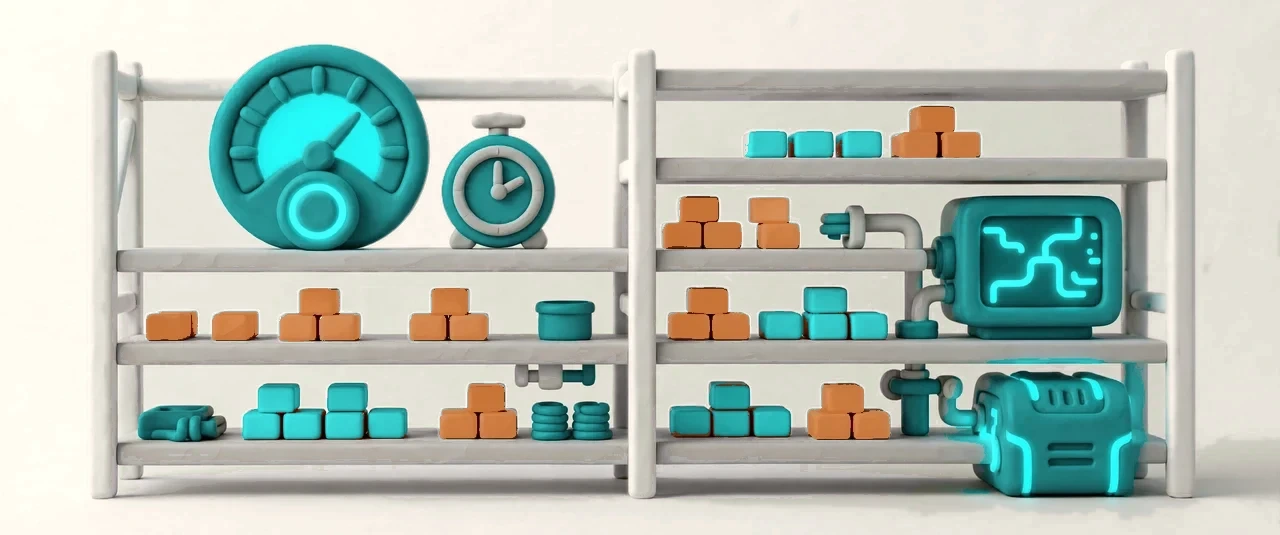

Each sourcing connection gets one virtual warehouse — a stock ledger, not a place where work happens. The platform's stock number is converted before it is ever promised to a channel: by default only eighty percent is offered, and a supplier stock below five counts as zero, because the last units on a supplier screen are the ones most likely to be gone. The sync runs on a schedule and the staleness has a fuse: if the feed has been quiet for six hours, the sellable number zeroes itself rather than sell stock that may not exist. Allocation is still the order system's job — Sourcing sync never touches reserved quantities — and every order rechecks the platform stock before it is placed, so the promise is made at the last responsible moment.
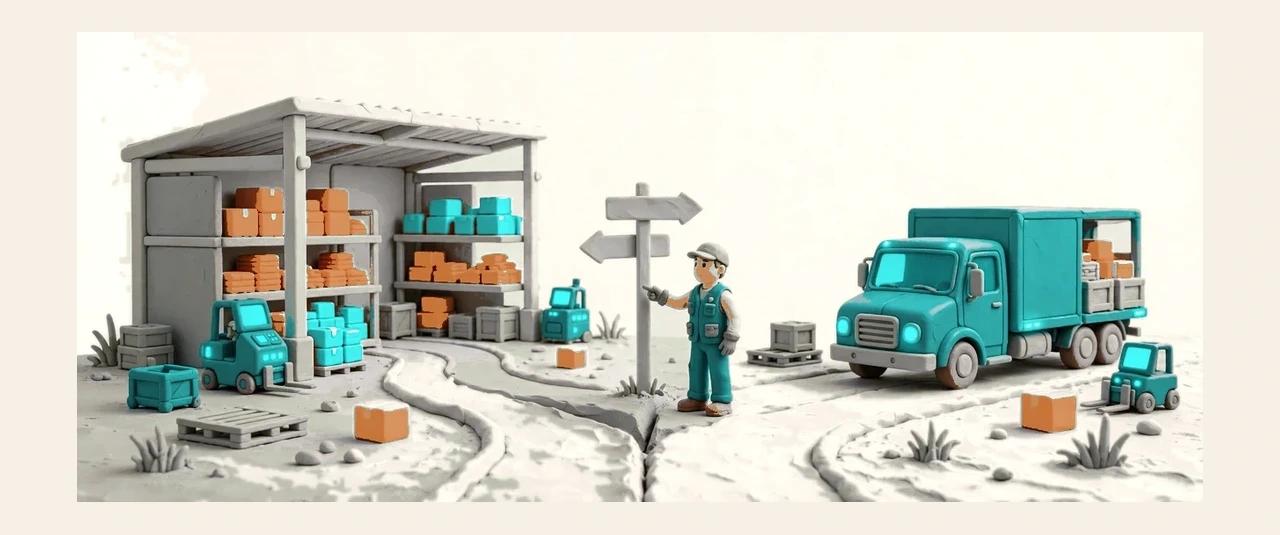

When an order arrives in OMS, the routing engine decides line by line: this line has own stock and ships from the warehouse, that line goes to the sourcing platform, the third splits between the two. Routing follows the warehouse's existing configuration, with source priority the seller sets; once a line is routed to sourcing it is reserved — no second decision books the same unit twice. A dropship line becomes a dropship purchase order, tied to the sales order line that caused it, and the platform order is placed through the connector with the platform order number written back. The purchase order can be created automatically, as a draft waiting for confirmation, or purely by hand — per connection, the seller's choice.
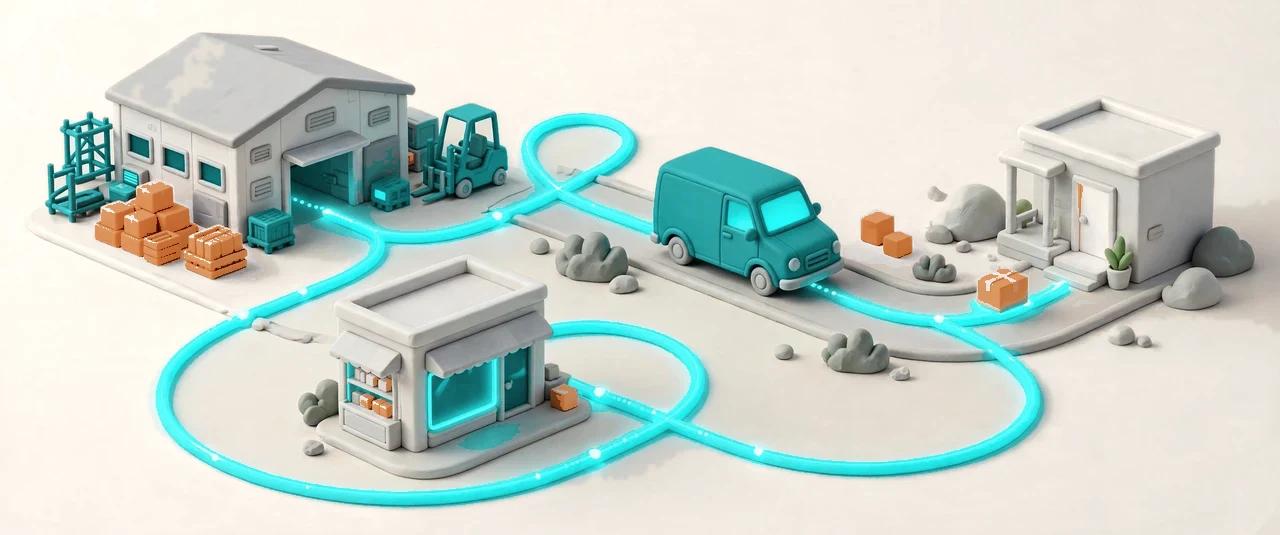

A platform order is watched, not forgotten. Three alignment tables translate each platform's statuses into one shared flow, and the purchase order, sales order and channel advance in step — by webhook where offered, by polling where not, always forward, never backward. Tracking numbers arrive per parcel, not per order, and each parcel's number is written back to the channel it sold on. When a customer returns something, the return enters through the one OMS door: at authorization the system decides whether the supplier's address is needed, and at disposition it settles whether the goods go back to the supplier — by platform API where the connector supports it, by a work ticket with photos where it does not.
Every sourcing platform you connected, its capabilities, and whether its sync is healthy.
Product pulls on a timer, stock syncs every fifteen minutes — set the rhythm per connection.
One prefix per platform keeps generated SKUs unique; a single connection can override its own.
Margin, fixed add-on and .99 rounding, set once and applied at publish — with a per-product override.
Platform SKUs that match nothing wait for a human to bind or ignore — the rest of the feed never stops for them.
Sellable stock per connection, in the same inventory view as your own warehouses — read-only, never a work location.
Every platform order as a purchase order: its sales order line, its platform number, its status.
No platform credentials yet? Walk all five steps on clearly marked sample data, then switch to real data without relearning the flow.