3PLs clearing their own freight
Your warehouse already holds the goods and the data. The declaration grows out of the receipt, the duty is priced from the same SKU file, and release hands the freight straight to transport.
Import and export declarations, HS classification, duty calculation, ISF, inspections and denied-party screening — built on the warehouse and transport data you already have.
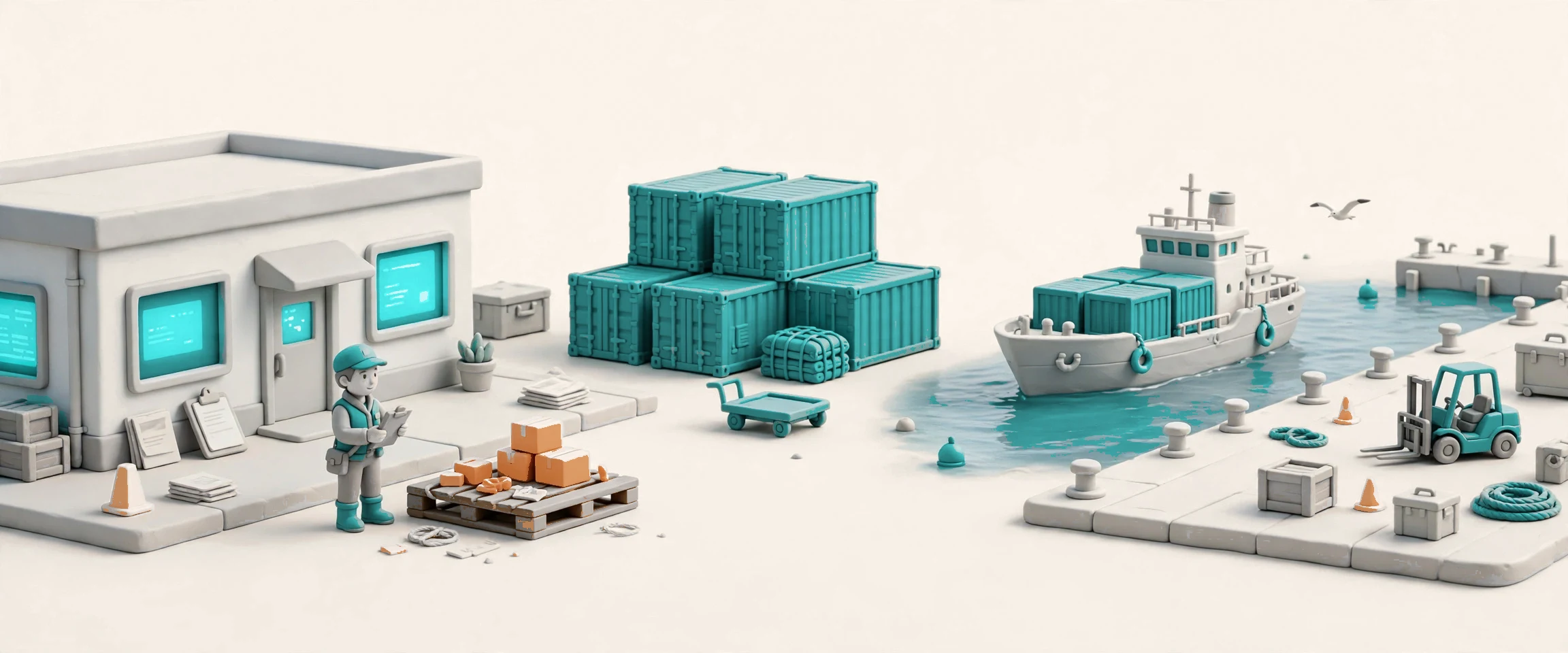

Docklify Customs is the customs workbench inside the 3PL operation. It starts where the freight already lives: the SKU data in WMS fills the declaration lines, so product names, values and origins are never typed twice. From there it covers the whole declaration — import and export, HS classification with rates, duty and tax calculation, the ISF data set for US imports, the document pack, denied-party screening, and inspection handling with the freight itself. When customs releases the goods, the transport order moves: TMS picks the load up for the road, and Drayage takes the container from the port. One workbench, one chain — warehouse to border to road, with nothing re-keyed and nothing lost between systems.
Your warehouse already holds the goods and the data. The declaration grows out of the receipt, the duty is priced from the same SKU file, and release hands the freight straight to transport.
You move other people’s freight across borders. One workbench per client, with the declaration, the documents, the screening and the bill in the same place.
Your goods sit in a Docklify warehouse and ride on Docklify transport. Customs is the middle link that keeps the chain in one system instead of three.
A hold found in container tracking opens an inspection case here by itself, with the container number attached — the drayage team sees the case, not just a stuck box.
A declaration carries the whole shipment on one page: declaration number, client on either side, mode of transport, ports, expected arrival, Incoterms, currency and total value, with one line per product — HS code, name, quantity, unit, price, origin and duty rate. The status moves through draft, pending submission, submitted, inspecting, released and completed, with cancelled as the final state, and every step is checked against the same rules. When the goods arrive at the warehouse, the receipt opens a draft declaration by itself, already holding the lines the warehouse knows. Submit too early and the missing-document check stops you, naming the exact paper that is missing.
Classification starts with words, not codes. Type the product name and the library searches the HS codes — six digits that work everywhere, plus the national extensions — and suggests the match with the duty, VAT and excise rates for the destination country. The same client and the same product name bring back the code used last time, so repeat freight classifies itself. Rates come from the free public sources, and the extra duty layers that change through the year are kept current in the same library. A wrong code is a wrong duty and a delayed release; the library exists so the same product never gets two different codes.


Every line prices its own duty: ad valorem on the customs value, or per unit where the tariff says so, with VAT and excise worked out on top and the totals itemised per line and per declaration. Multi-currency is handled in the open — the rate is manual or automatic, and the declaration shows which — so a total in one currency never hides a rate from another. The bill keeps the money apart on purpose: the service fee you earn, the duty you advance for the client, and the inspection fee each sit on their own line, because advanced duty is money the client pays back, not revenue. What the client owes is visible before anything is submitted.


US imports carry a clock: the Importer Security Filing goes in 24 hours before loading. The ISF record holds the 10+2 data set — ten items from the importer, two from the carrier — and tracks its status from prepared to filed to confirmed, so the team sees whether the filing is done or still waiting. The data comes from the declaration and the shipment the team already entered, not from a second round of typing. A filing that is late stops the container at the port; the record exists so the deadline is visible while there is still time to meet it.
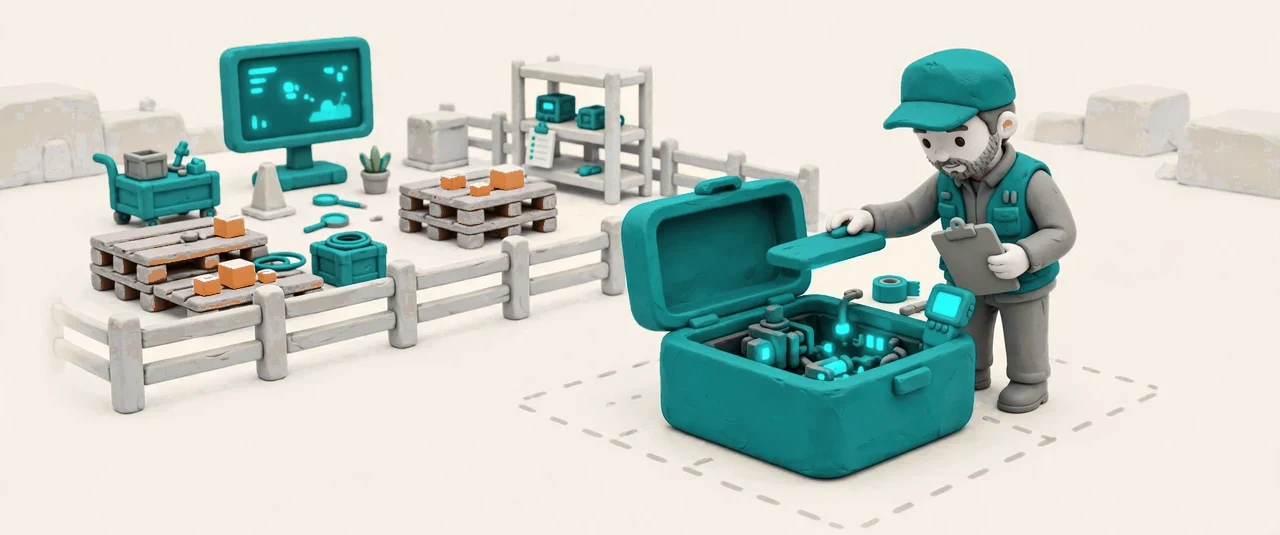

An inspection notice is not a phone call lost in a chat — it is a record on the declaration, with a date, a result and notes. When the declaration moves to inspecting, the pallets named on the linked receipt move to the warehouse inspection zone, and while inspection runs those pallets are locked: no outbound move, no transfer except into the zone. The outcome is recorded as released, rectified or detained, and a released declaration lets the freight move again — back to its slot or on to transport, as the operator decides. A customs hold found in Drayage container tracking opens the same kind of case by itself, with the container number attached.


Some names must never be on a declaration. Before submission, the parties — importer, exporter, shipper and consignee — are checked against the consolidated denied-party lists, the same free public lists that update daily. A hit warns on the spot and blocks the submission, so a barred party cannot slip through on a busy afternoon. The screening uses the names already on the declaration; nobody retypes a party list for a second system. Compliance here is a gate, not a report after the fact: the declaration that cannot pass screening never reaches customs at all.


A declaration travels with its papers: commercial invoice, packing list, bill of lading, certificate of origin, permit, insurance — each stored once in Documents and linked to the declaration by type, so the same file is never uploaded twice. Before submission the pack is checked against its list, and a missing required document blocks the step and names the missing paper. The money follows the same discipline: one bill per declaration, with service fee, advanced duty and inspection fee on separate lines, pushed to Accounting on issue. Repeat the click and the system refuses a second bill; a failed push retries safely and reports its result instead of guessing.
WMS receipts and TMS orders carry a read-only customs status tag.
A released declaration advances the linked transport order toward pickup, with a tracking event on the record.
HS codes and rates, screening lists and exchange rates come from free public sources.
Repeat clicks never create a second bill; the Accounting push retries safely and reports its result.
The same client and product name brings back the HS code used last time.
Files stay in the shared document store; the declaration keeps the link and the type.
A marked zone holds inspected pallets; nothing else moves them while inspection runs.
Fees you earn and duties you advance for the client are billed on separate lines and never mixed in revenue.