Warehouse operators
A label is torn, a shelf needs a barcode, a printer needs a test page: generate it, preview it, print it — without opening the order it came from.

The toolbox beside the big apps: barcodes, labels, bills of lading, quotes, invoices, landed cost and everyday documents — each tool opens, does its one job, and hands back a file you can use.


Utilities is the toolbox beside the big apps. The big apps run workflows; Utilities handles the small jobs in between — the barcode for a shelf label, the bill of lading for a truck at the dock, the quote a customer is waiting on, the landed cost behind a buying decision, the PDF that needs a signature before it goes out. Each tool does one job and does it properly: it opens, takes the data or imports it from the order that already has it, shows a live preview of exactly what comes out, and hands back a file — PNG, PDF or ZPL — that is ready to use. Most of the work happens locally, in the browser or on the device, so the file never waits on a server round trip, and drafts wait in the browser for the next visit.
A label is torn, a shelf needs a barcode, a printer needs a test page: generate it, preview it, print it — without opening the order it came from.
Before the purchase order is signed, the landed cost calculator shows the true unit cost — freight, duty and fees, allocated line by line, with the scenario saved to share.
A quote in the customer's language of business, priced line by line from a template that already knows the industry — and the invoice that follows it, from the matching template.
Convert a file, reorder or merge a PDF, sign it: the document tools run in the browser, the file never leaves the device, and the result downloads straight away.


Twelve symbologies in one place: Code128, Code39, EAN-13, UPC-A, QR Code and more, for the label, the shelf and the carton. Type one value and watch the barcode draw itself in the live preview, or paste a list and generate the whole batch at once. The output downloads as PNG or PDF, sized for the printer it goes to — a location barcode for the rack, a product code for the shelf edge, a QR code for a form. No account, no queue: the code is drawn in the browser and the file is yours the moment it renders. A batch file keeps every value on its own row, and a bad row is flagged before the rest of the batch prints.


ZPL is the language label printers speak, and the viewer lets anyone read it before it prints. Pick a retailer template from the UCC template library, fill in the form — item, quantity, dates, barcodes — and the label renders on screen from a local engine, with no third-party service in the path. What you see is what the printer lays down: check the layout, fix a field, and download the ZPL, the PNG or the PDF. A wrong label is caught on the screen instead of on the carton, and a retailer template that already passed is reused instead of rebuilt.


A bill of lading is the paper the freight travels on, and the generator builds it in one page. Import the shipment from a Drayage or TMS order instead of retyping it, pull shipper and consignee from the tenant's shared address book, and let the piece, weight and volume totals add themselves up. Freight terms follow the Incoterms on the shipment, marks get a helper, and lines that repeat are saved as templates. Drafts wait in a draft box, and the finished bill exports as a one-page A4 PDF — the whole document, no second page, no overflow. The printed bill matches the order line for line, so the driver, the dock and the customer all read the same document.
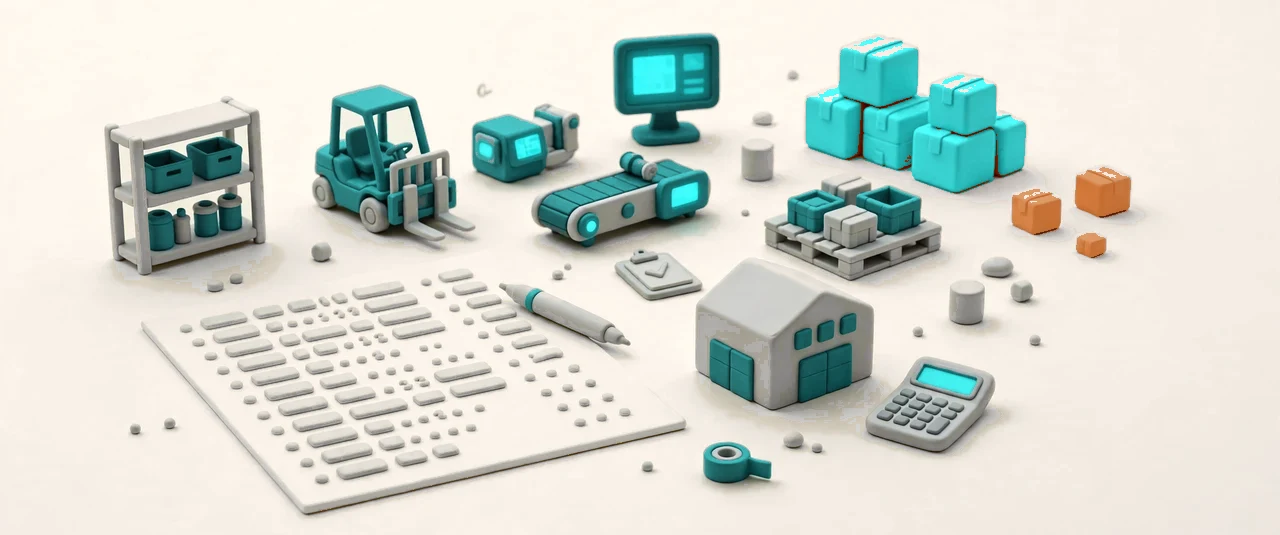

A quote is a promise with a price on it, and the generator writes it in the language of the trade. Pick one of four templates — general, warehousing 3PL, freight, or fulfillment — fill in the company and the client, and the line items price themselves as they are added: storage, handling, transport, each on its own line with its own math. The preview updates live, so the number the customer sees is the number that gets sent, and the finished quote downloads as PNG or PDF. The draft waits in the browser, so a quote started in the morning is finished after lunch without starting over.


The invoice follows the quote, and the generator keeps the two in the same language. Four templates cover the paperwork a logistics business actually sends: general, commercial invoice for customs, service, and the warehousing monthly statement a 3PL sends its clients. Company and client details go in once, line items price themselves, and the live preview shows the document the customer receives — no surprises after sending. The finished invoice downloads as PNG or PDF, and the draft waits in the browser for the next one. A monthly statement is the same tool with a month of lines on it: same template, same math, same preview.
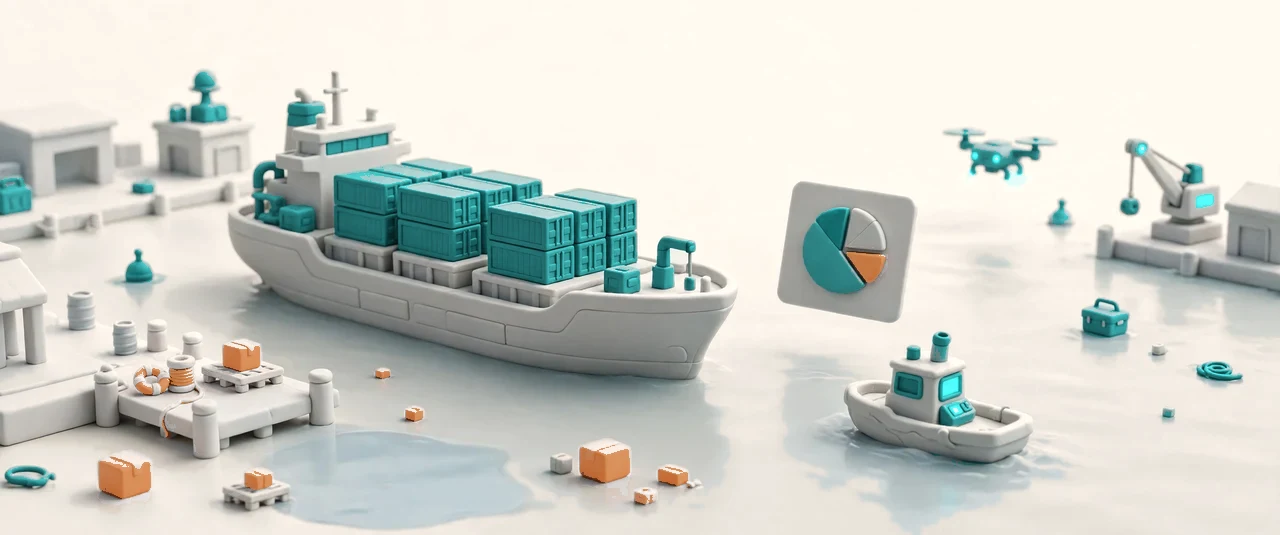

The price on the supplier invoice is not the cost of the product. The calculator works out the true landed cost: enter the shipment — mode, container, origin and destination — then the items with SKU, quantity, FOB price, size, weight and HTS code, then the freight, insurance and fees. Built-in HTS duty rates and the MPF and HMF rules apply themselves, and any rate or charge can be overridden by hand. Freight, duty and fees are allocated down to the unit cost of each SKU, so the buying decision reads off the real number — and the scenario is saved, shared by link, and exported as CSV.


Three small tools finish the documents that cross a desk every day. The document converter takes one file and returns another — eight conversions, all processed locally in the browser, the file never uploaded anywhere. The PDF visual editor manages pages by sight: reorder, merge and tidy a PDF on screen, then download the result. The PDF signature tool keeps a library of signatures in the browser and signs the document where the signature belongs. Together they cover the last mile of paperwork: the file that arrives in the wrong format, the PDF in the wrong order, the page that needs a name on it.
Barcodes, ZPL rendering and conversions run in the browser — no upload, no wait.
Every tool hands back a file: PNG or PDF for documents, ZPL for labels.
Quotes, invoices and BOL drafts wait where you left them for the next visit.
Shipper and consignee addresses shared across the tenant, typed once.
Four quote templates and four invoice templates, each speaking its trade.
Freight lines that repeat are saved once and reused on the next bill.
Landed cost scenarios are saved, shared by link, and exported as CSV.
BOL data arrives from Drayage or TMS orders instead of being retyped.