Safety teams
Forklift and pedestrian near-misses, missing PPE, blocked aisles — caught as they happen, with footage attached.

One edge box on your local network subscribes to the NVR video streams you already have and watches them with AI: a door left open, a blocked aisle, an incident at the dock. Events land in one center, clipped to the order, task or dock appointment they belong to — and the full video never leaves your site.
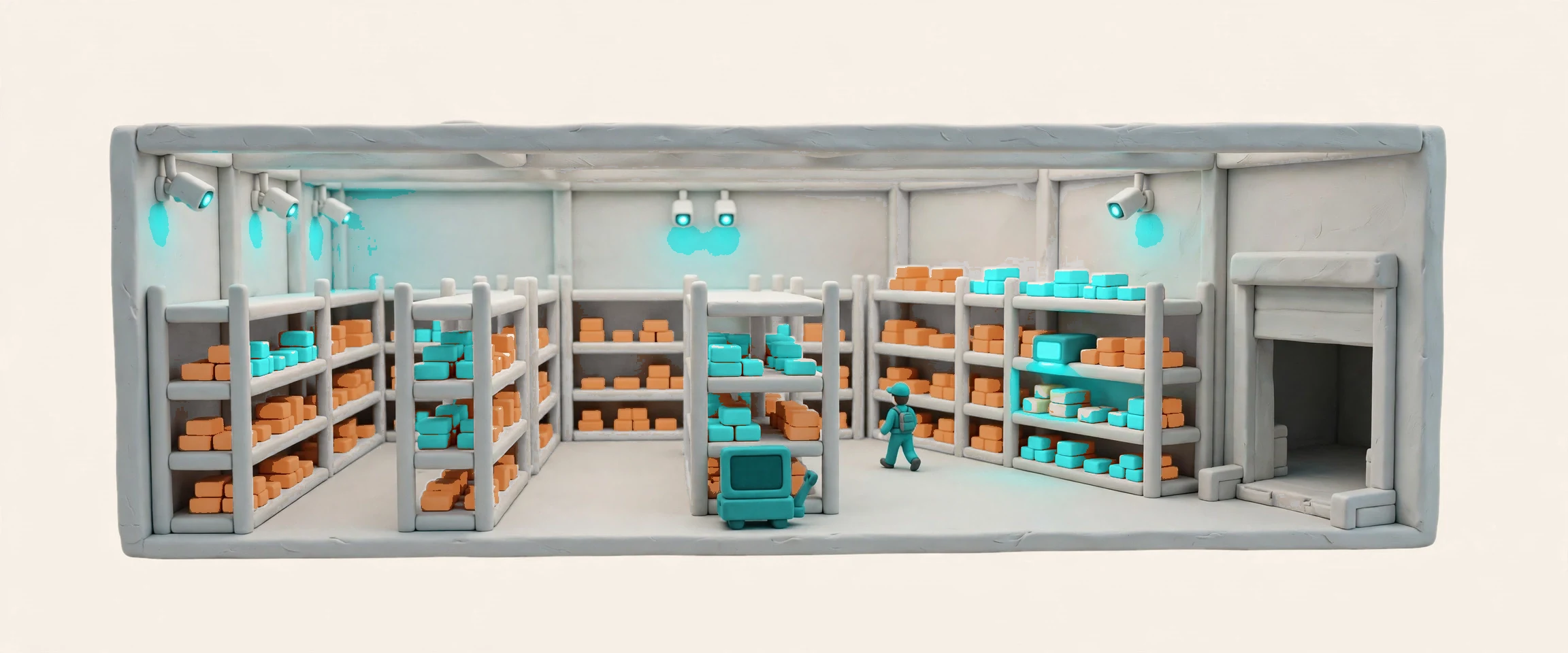
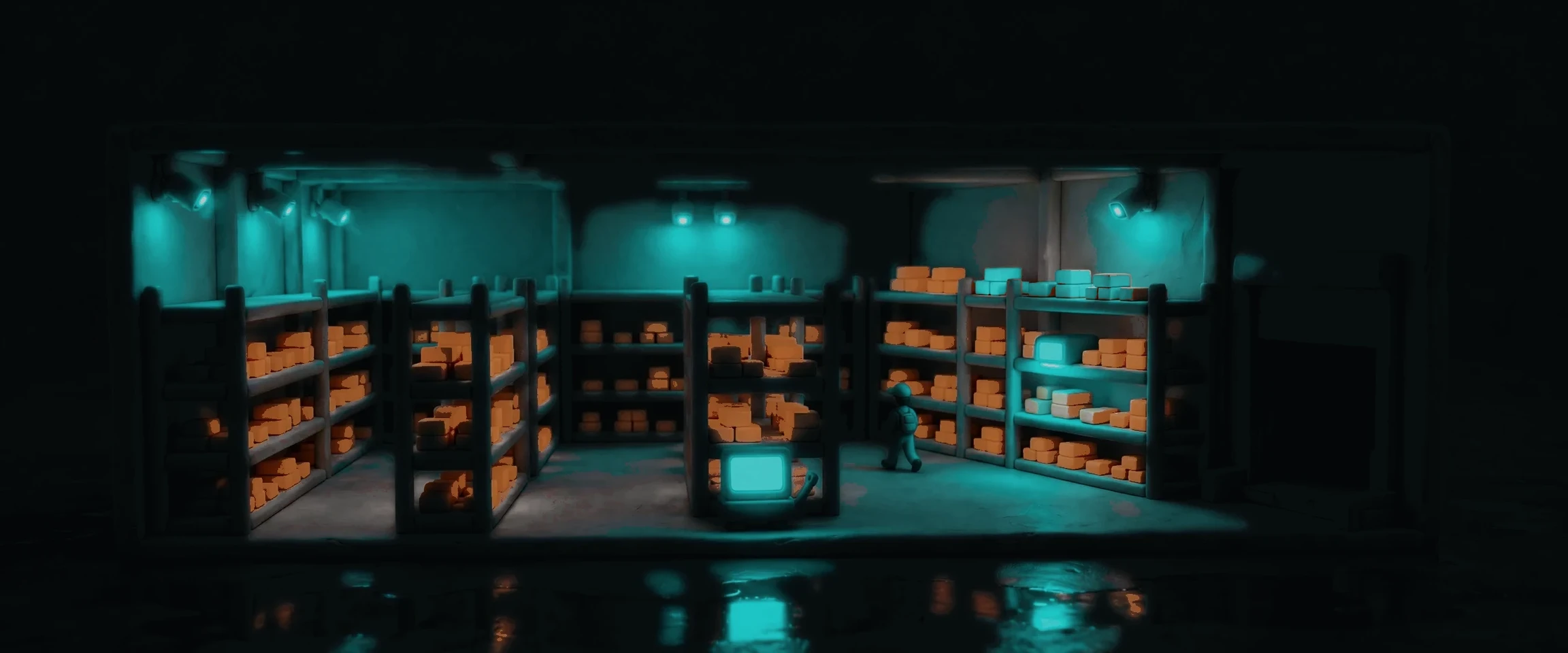
Docklify Vision teaches the cameras already in your warehouse to notice. An edge box on your local network subscribes to your NVR’s video streams and runs real-time AI detection there — the full video never leaves the building; only events, with a snapshot and a clip on demand, reach the cloud. Every event lands in one event center, organized by safety, security and operations, and tied to its business object: order, task, pallet, dock appointment. When you need the full recording, the cloud asks the box for camera and moment, and the box fetches the segment from the NVR — with its own ring-buffered clip as backup. It reuses what you already own: mainstream NVRs connect through a graded compatibility list, and PackVision’s packing evidence is the first operations event in the same center.
Forklift and pedestrian near-misses, missing PPE, blocked aisles — caught as they happen, with footage attached.
After-hours intrusion and cameras blocked or offline — the NVR records, Vision watches, and someone is told.
Packing evidence clipped to the order: a shortage or swap claim ends with footage, not arguments.
A dock door left open, a vehicle arriving or leaving — tied to the appointment, so the waste is visible.


The edge box subscribes to your NVR’s streams over RTSP or ONVIF, on the same local network, one cable, read-only — it never writes to the NVR and never changes its configuration. Full video never goes to the cloud: sixteen channels uploaded whole would run about 700 GB a day, which is why the box detects on site and only sends events — metadata, a snapshot and an on-demand clip. What leaves the building is evidence, not footage. The box is the same edge tier that runs PackVision’s packing checks, so one box carries both the packing camera and the whole-yard detection.


Every detection becomes an event in one center, organized by safety, security and operations — and tied to the business object it belongs to. A blocked aisle links to the zone, a dock door left open links to the appointment, a packing dispute links to the order. That linkage is the difference from a plain security product: Milestone or Genetec see pixels, Vision sees the order behind the pixels. Events carry the same envelope everywhere — id, type, organization, time, actor, payload — and the rules engine decides what happens next: who is told, how fast, and what evidence travels with the notice.

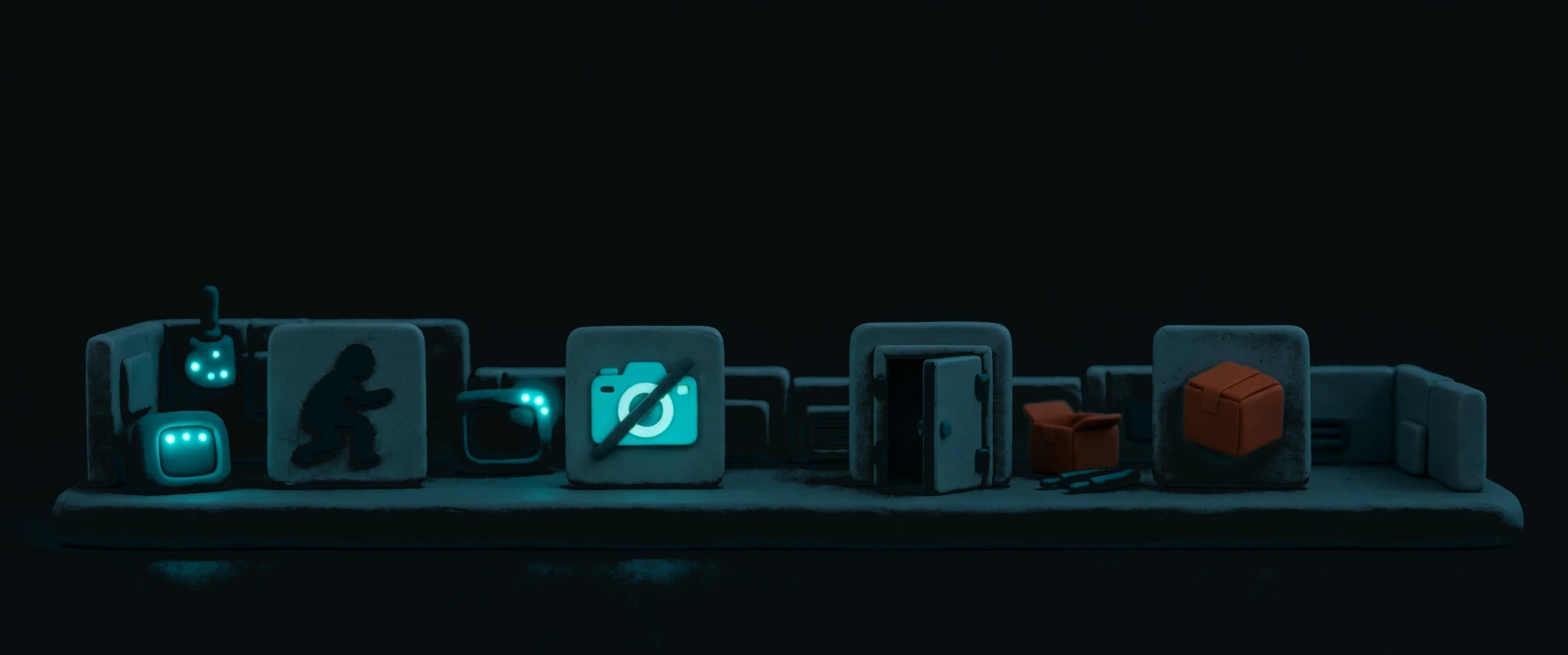
The first set is deliberately small: four events chosen for high value and low false alarms, with no extra hardware. After-hours intrusion watches closed hours against the shift and overtime rules, so a late crew does not trigger a false alarm. A blocked or offline camera is nearly zero false alarm — the picture itself tells the story. A dock door left open escalates by context: softer while an appointment is active, sharper in idle hours. And packing evidence is the existing PackVision scene, folded into the same center with its windows and keyframes untouched. Each one is a daily leak or a real risk, not a demo.
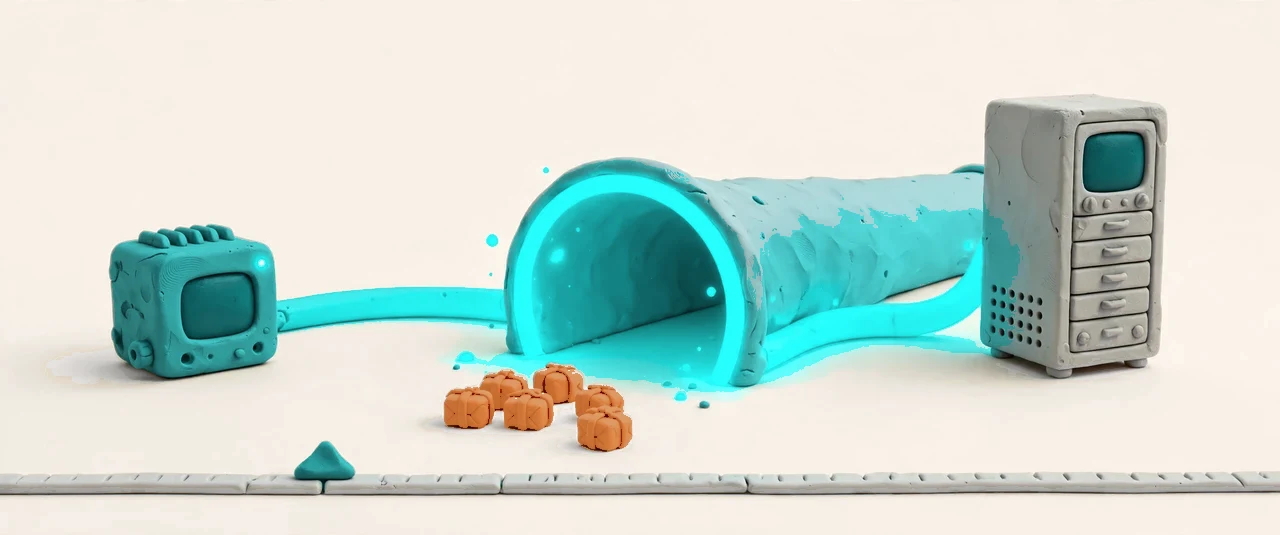
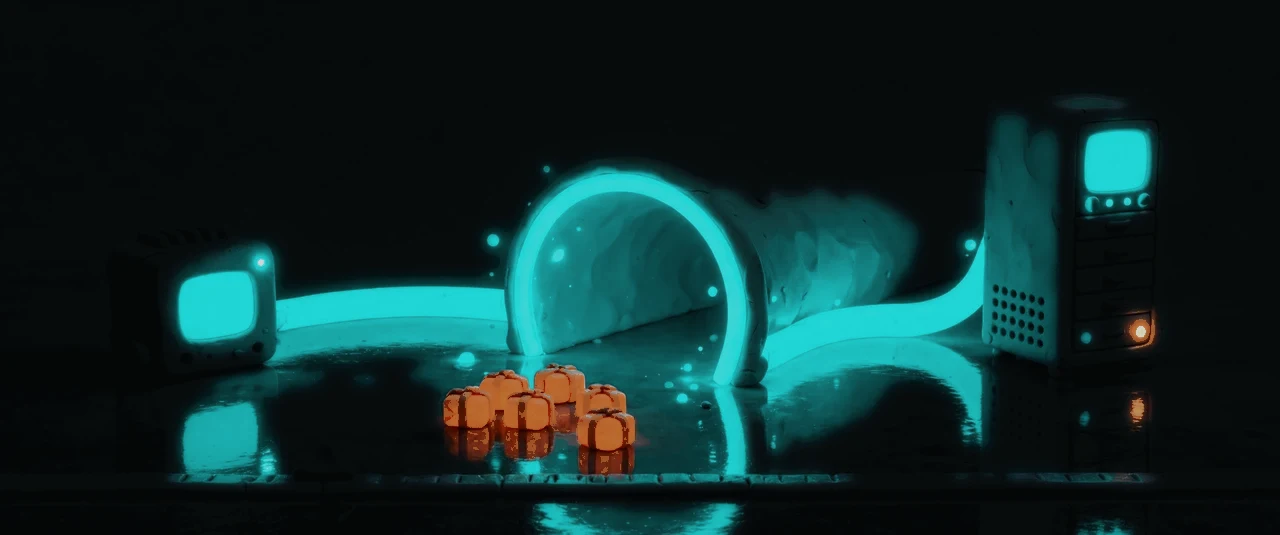
When an event needs the full recording, the cloud asks for camera plus moment, and the box pulls the segment from the NVR through its outbound encrypted tunnel — the box opens no inbound port, so nothing on the internet can reach into the warehouse. If the NVR cannot answer, the box’s own disk answers instead: it ring-buffers its own event clips, and the event detail says plainly which source the evidence came from. Every clip carries its evidence tier, and every request is logged, so a clip shown to a customer or an insurer has a chain behind it, not just a file.
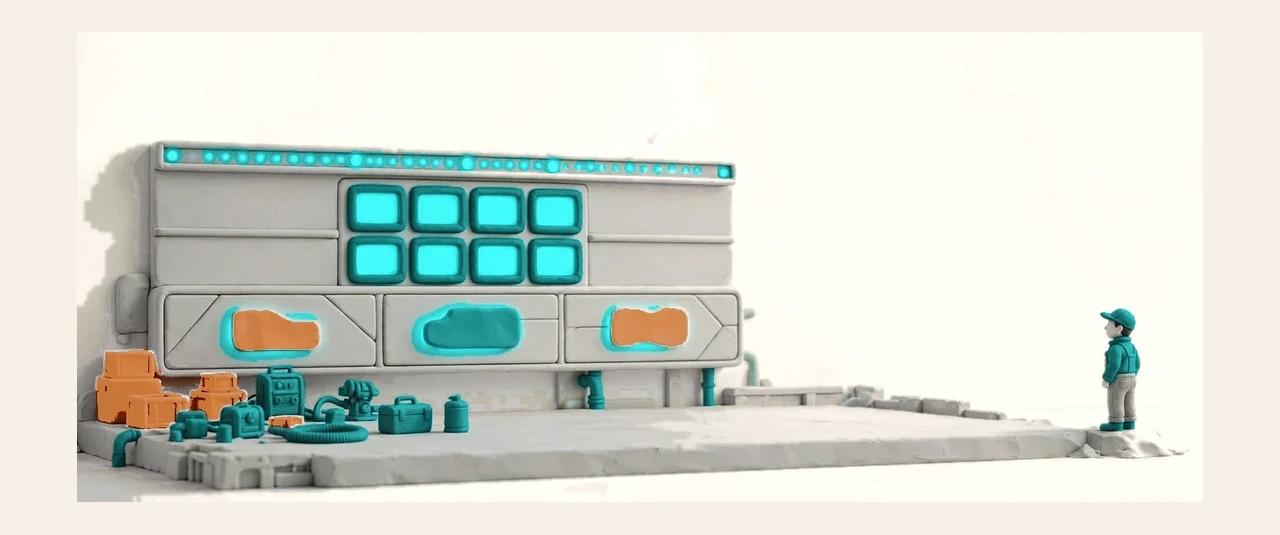
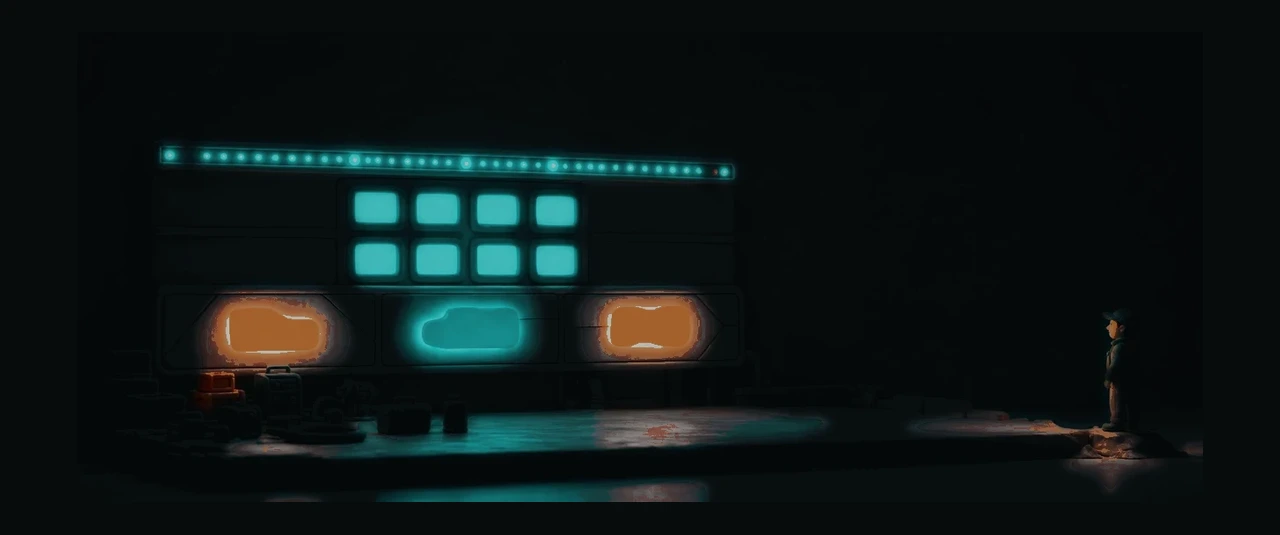
The Vision console opens on a dashboard that tells the truth about the site: a health strip across the top, the main area in the middle, a camera wall preview strip, a trend band, and a coverage and subscription summary row at the bottom. Cameras are grouped by area with a grid view and a status filter, and coverage reads from the same server-side aggregation as the coverage page, so the two screens never disagree. A site with no cameras connected yet is a real state, not an empty page: health and the wall lead, the event area folds into a status strip, and no fake data props up the first screen.


Nobody replaces a whole warehouse of cameras for software. Vision connects to the NVR you already have through a graded compatibility list: mainstream brands connect cleanly, models with limits connect with the limits written down, and closed-cloud cameras and old analog DVRs sit in the unsupported tier, named as such. One adapter per source type keeps the differences inside the adapter — the detection, events and playback above it only ever see one uniform stream. A standard bill of materials covers the turnkey path for a new warehouse: cameras, PoE switch, NVR and edge box, delivered and acceptance-tested in five steps.
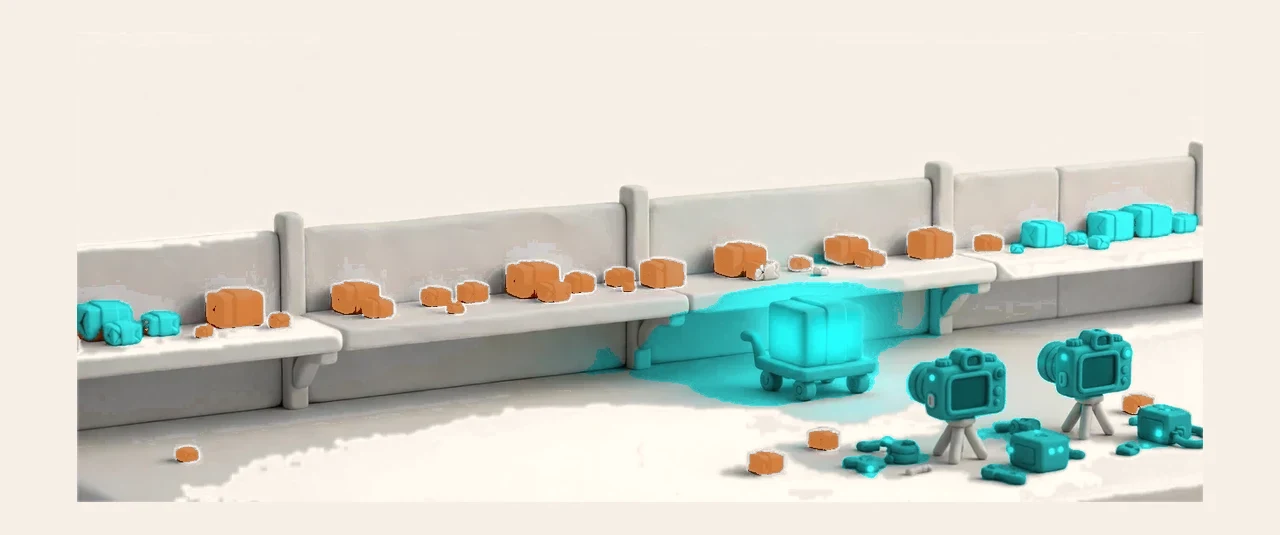
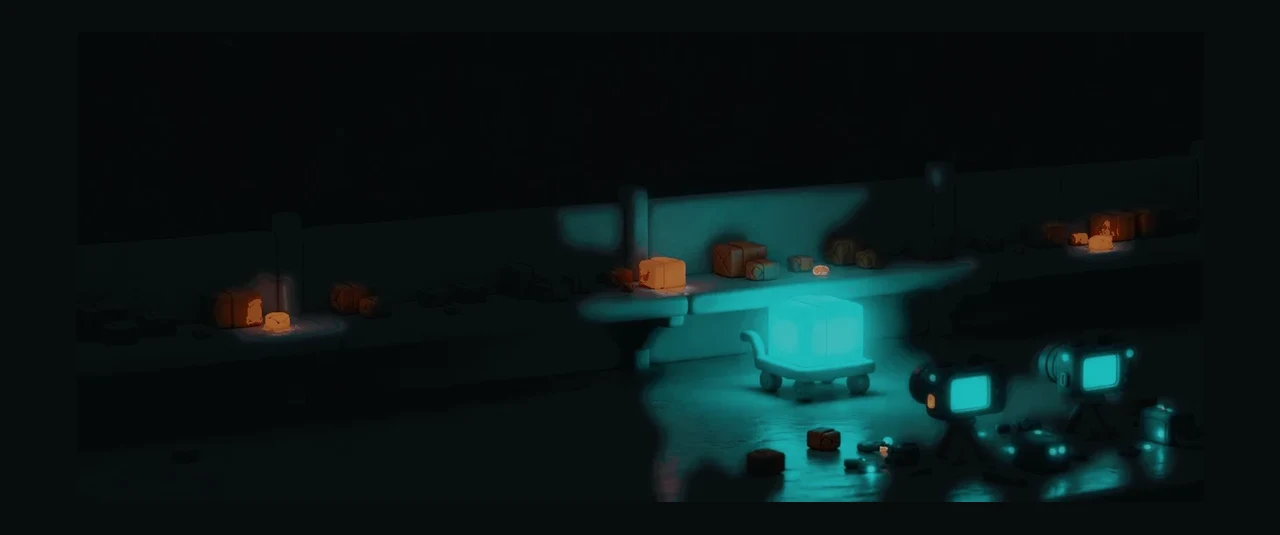
Detection runs on small, single-scene models — one model, one job — managed in AI Models: a library, versions, teaching and validation, all in one place. A model that watches dock doors is a different model from one that watches packing benches, and each one is versioned, shadow-tested and rolled out on its own schedule. Model packs publish through the App Marketplace on the same listing, certification and settlement mechanism as any other app, so a partner’s door-watch model reaches tenants through the store instead of through a side project. Face recognition stays off by default, and stays a separate decision.
Cameras grouped by area, with a grid view and a status filter.
Zone and time rules decide when a detection becomes an event worth telling someone about.
Subscribe by area and event type, so the right person hears about the right event.
Every event carries a snapshot and a clip, with its evidence tier labeled.
Staged rollout and per-event tuning, with a calibration period before a new detector goes live.
The box caches events when the network drops and sends them on when it returns.
Clock sync is the evidence chain’s lifeline — drift is watched and warned about.
The box watches itself and recovers on its own, so a stuck detector does not stay stuck.